极客教程
极客教程jQuery UI淡化效果
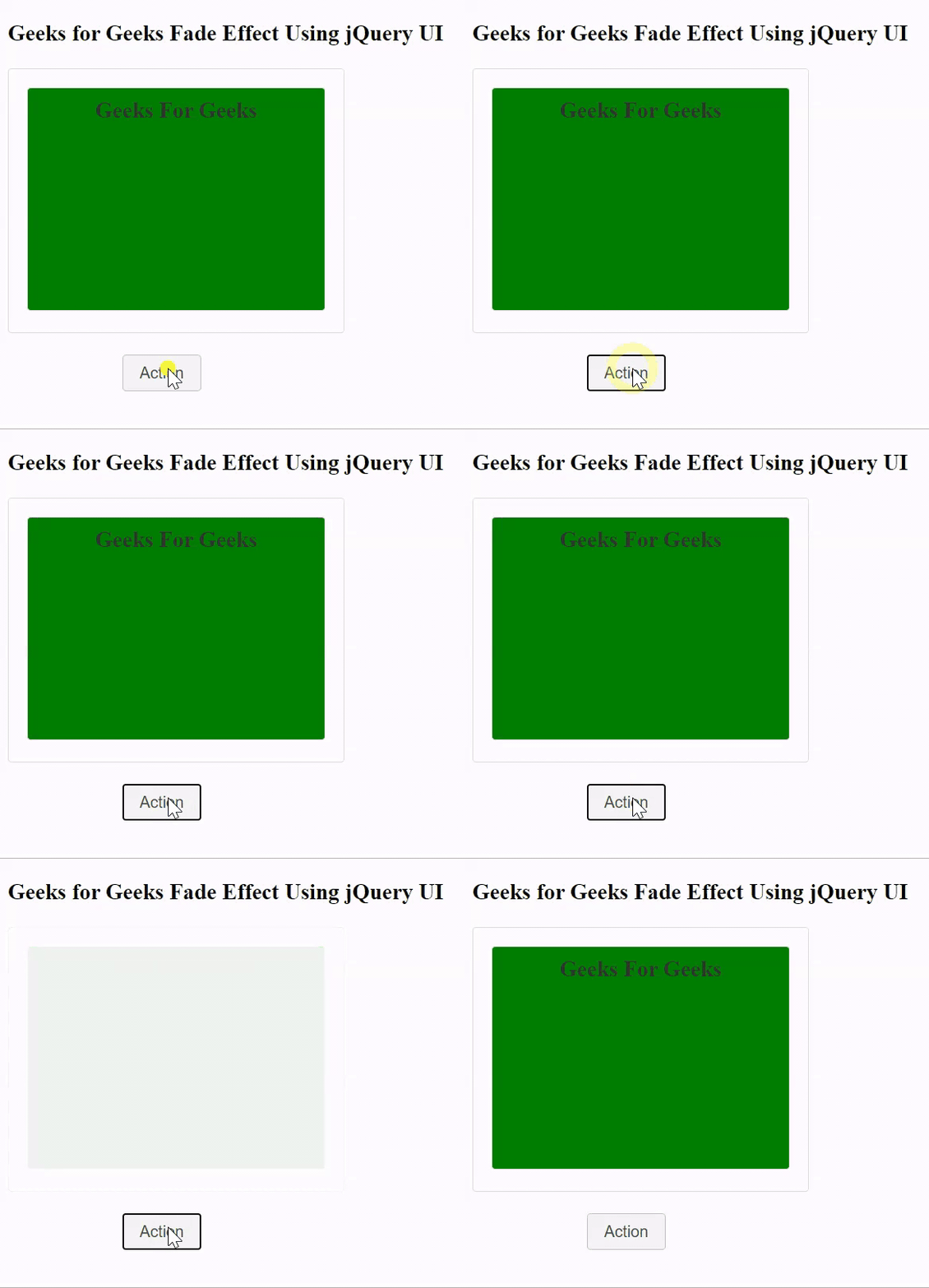
在这篇文章中,我们将使用jQueryUI来展示淡出的效果,当动作按钮被点击时,所有的内容将淡出,这实际上是触发了淡出效果的脚本。
语法:
$( ".selector" ).effect(
    selectedEffect, options, time(in ms), callback
);
参数:
- selectedEffect。在jQueryUI中选择的效果。
- option。为某些功能添加的(可选)。
- time:完成效果的时间,以微秒计。
- callback。为某些功能添加的(可选)。
返回值:它不返回任何值。
需要添加的脚本:
请下载包括预编译文件的库,或使用下面给出的脚本的路径。
<link rel=”stylesheet” href=”//code.jquery.com/ui/1.12.1/themes/base/jquery-ui.css”>
<script src=”https://code.jquery.com/jquery-1.12.4.js”></script>
<script src=”https://code.jquery.com/ui/1.12.1/jquery-ui.js”></script>
例子:在这个例子中,我们将使用jQueryUI来展示渐变效果。我们将使用一个按钮来触发这个脚本。
<!doctype html>
<html lang="en">

<head>
    <meta charset="utf-8">
    <meta name="viewport" content=
        "width=device-width, initial-scale=1">

    <link rel="stylesheet" href=
"//code.jquery.com/ui/1.12.1/themes/base/jquery-ui.css">

    <script src=
        "https://code.jquery.com/jquery-1.12.4.js">
    </script>

    <script src=
        "https://code.jquery.com/ui/1.12.1/jquery-ui.js">
    </script>

    <script>
        (function() {
            function action(selectedEffect) {
                ("#effect").effect(selectedEffect, 1200);
            };
            $("#button").on("click", function() {
                action("fade");
                return false;
            });
        });
    </script>

    <style>
        .animation {
            width: 500px;
            height: 500px;
            position: absolute;
        }

        #button {
            padding: .5em 1em;
            text-decoration: none;
            position: absolute;
        }

        #effect {
            width: 250px;
            height: 190px;
            padding: 15px;
            position: relative;
        }
    </style>
</head>

<body>
    <h3>
        Geeks for Geeks Fade
        Effect Using jQuery UI
    </h3>

    <div class="animation">
        <div id="effect" class=
            "ui-widget-content ui-corner-all">

            <h3 class="ui-widget-header
                ui-corner-all" style=
                    "margin: 0; padding: 0.4em;
                    height: 170px; text-align: center;
                    background-color: green;">
                Geeks For Geeks
            </h3>
        </div>
    </div>

    <span style="margin-left: 6em;">
          <button id="button" class=
            "ui-state-default ui-corner-all"
                  style="margin-top: 18em;">
            Action</button>
      </span>
</body>

</html>
输出: