极客教程
极客教程如何使用jQuery在所有段落后插入一些HTML
在这篇文章中,我们将使用jQuery在所有段落后插入一些HTML内容。为了在所有的段落元素后面添加一些内容,我们使用 after() 方法。这个方法是用来在匹配的元素集合中的每个选定的元素之后插入指定的内容。
语法:
$( selector ).after( content );
示例:
<html>
<head>
  <!-- Import jQuery from CDN -->
  <script src=
"https://ajax.googleapis.com/ajax/libs/jquery/3.3.1/jquery.min.js">
  </script>

  <script>
    (document).ready(function () {
      ("button").click(function () {
        $("p").after(
          '<p>Welcome to GFG</p>
          <input type="text">'
        );
      });
    });
  </script>
</head>
<body style="text-align: center;">
  <h1 style="color: green;">
    GeeksforGeeks
  </h1>

  <h3>
    How to insert some HTML after
    all paragraphs using jQuery?
  </h3>

  <p>
    GeeksforGeeks computer
    science portal
  </p>

  <button>Click Here!</button>
</body>
</html>
输出:
在点击按钮之前:

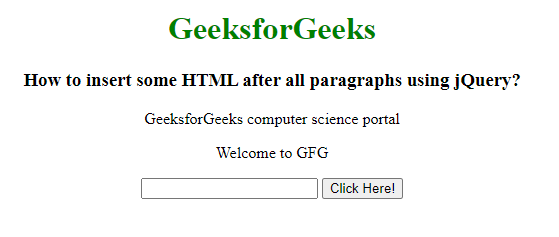
点击按钮后: