极客教程
极客教程jQuery html()方法
jQuery中的html()方法是用来设置或返回所选元素的innerHTML内容。
语法:
- 它返回第一个匹配元素的内容。
$(selector).html()
- 它设置匹配元素的内容。
$(selector).html(content)
- 它使用一个函数来设置内容。
$(selector).html(function(index, currentcontent))
参数:该方法接受上面提到的和下面描述的两个参数。
- content。这是一个强制性参数,为所选元素指定新的内容。
- function(index, currentcontent)。它是一个可选的参数,指定一个函数,返回所选元素的新内容。
- index。它用于返回元素在集合中的索引位置。
- currentcontent。它用于返回所选元素的当前HTML内容。
例子1:这个例子将内容设置为元素。
<!DOCTYPE html>
<html>

<head>
    <title>
        jQuery html() Method
    </title>
    <script src=
"https://ajax.googleapis.com/ajax/libs/jquery/3.3.1/jquery.min.js">
    </script>
</head>

<body style="text-align:center;">
    <h1 style="color:green;">
        GeeksForGeeks
    </h1>
    <h2>
        Fade-in effect<br>
        jQuery | html() Method
    </h2>
    <button>Click</button>

    <script>
        (document).ready(function () {
            ("button").click(function () {
                $("h2").html("Hello <b>GEEKS!</b>");
            });
        });
    </script>
</body>

</html>
输出:
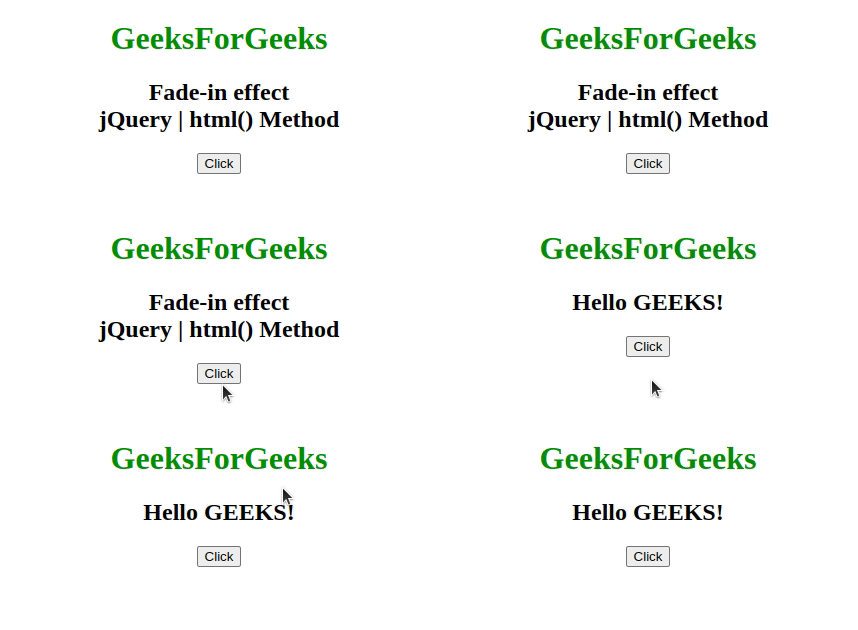
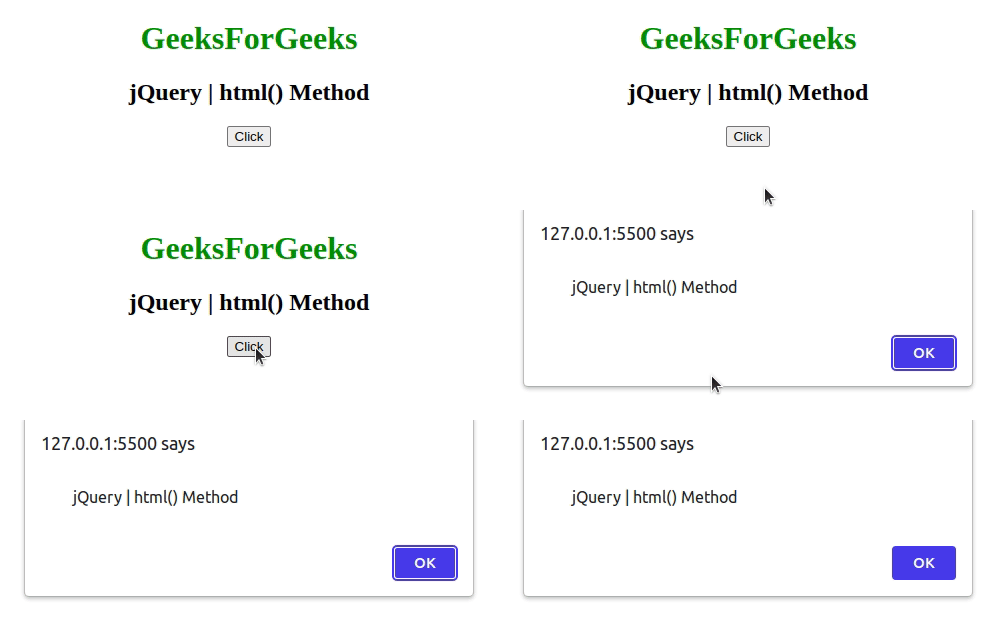
例子2:这个例子返回元素的第一个匹配。
<!DOCTYPE html>
<html>

<head>
    <title>
        jQuery html() Method
    </title>
    <script src=
"https://ajax.googleapis.com/ajax/libs/jquery/3.3.1/jquery.min.js">
    </script>
</head>

<body style="text-align:center;">
    <h1 style="color:green;">
        GeeksForGeeks
    </h1>
    <h2>
        jQuery | html() Method
    </h2>
    <button>Click</button>

    <script>
        (document).ready(function () {
            ("button").click(function () {
                alert($("h2").html());
            });
        });
    </script>
</body>

</html>
输出:
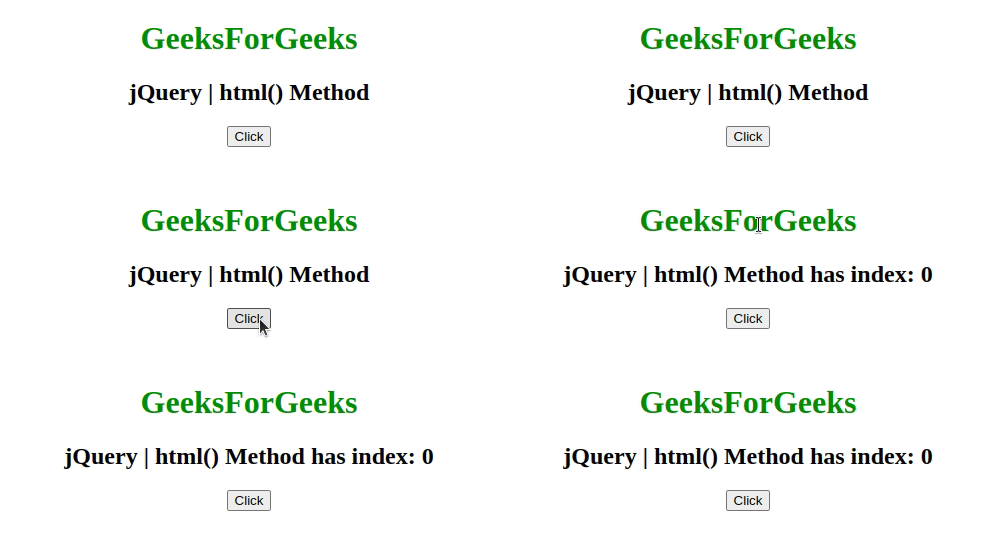
实例3:本例使用函数设置内容。
<!DOCTYPE html>
<html>

<head>
    <title>
        jQuery html() Method
    </title>
    <script src=
"https://ajax.googleapis.com/ajax/libs/jquery/3.3.1/jquery.min.js">
    </script>
</head>

<body style = "text-align:center;">
    <h1 style = "color:green;" >
        GeeksForGeeks
    </h1>
    <h2>
        jQuery | html() Method
    </h2>
    <button>Click</button>

    <!-- Script to set the content -->
    <script>
        (document).ready(function() {
            ("button").click(function() {
                $("h2").html(function(n) {
                    return "jQuery | html() Method"
                            + " has index: " + n;
                });
            });
        });
    </script>
</body>
</html>
输出: