 极客教程
极客教程如何使用jQuery改变背景图片
要使用jQuery改变背景图片,你可以使用jQuery CSS()方法。为此,整个属性值是用url()功能符号指定的。
方法:假设我们有一个图片URL存储在一个变量中,然后使用css()方法来改变背景图片的值。
下面的例子说明了上述方法。
示例:
<!DOCTYPE html>
<html lang="en">

<head>
    <title>
    jQuery Changing background-image CSS Property
    </title>
    <style>
        .box {
            width: 700px;
            height: 220px;
            border: 2px solid black;
            background-repeat: no-repeat;
            background-image: url(
"https://www.geeksforgeeks.org/wp-content/uploads/javascript-768x256.png");
        }
        h1{
            color:green;
        }
    </style>
    <script src="https://code.jquery.com/jquery-1.12.4.min.js"></script>
    <script>
        (document).ready(function() {
            // Change background image of a div by clicking on the button
            ("button").click(function() {
                var imageUrl =
"https://www.geeksforgeeks.org/wp-content/uploads/jquery-banner-768x256.png";
                $(".box").css("background-image", "url(" + imageUrl + ")");
            });
        });
    </script>
</head>

<body>
    <center>
    <h1>GeeksforGeeks</h1>
    <h3>
    jQuery Changing background-image CSS Property
    </h3>
    <div class="box"></div>
    <p>
        <button type="button">
            Change Background Image
        </button>
    </p>
    </center>
</body>

</html>
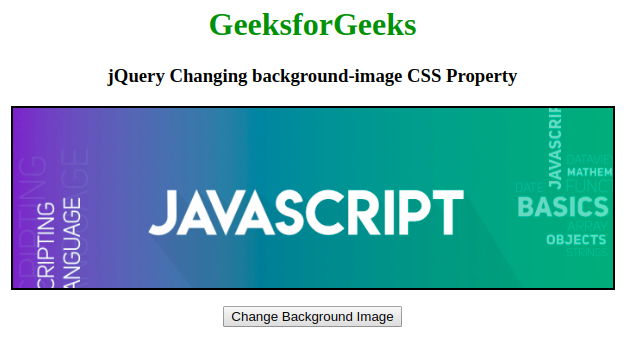
输出:
- 在点击按钮之前。
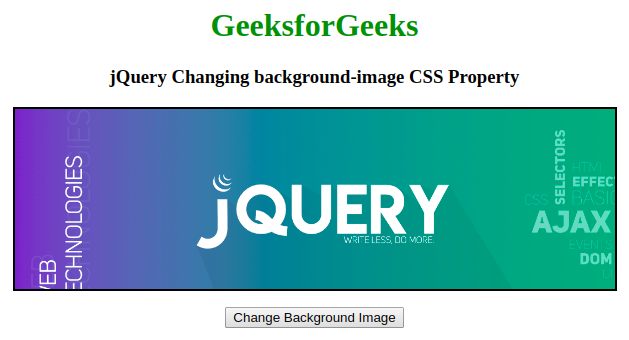
*在点击按钮后。
jQuery是一个开源的JavaScript库,它简化了HTML/CSS文档之间的交互,它以其 “少写多做 “的理念而广为人知。