极客教程
极客教程如何使用CSS/jQuery在打字时将输入字符改为大写
给定一个输入文本区,任务是在接受用户输入的同时将小写字母转换成大写字母。这可以用CSS或JavaScript来完成。第一种方法使用CSS转换属性,第二种方法使用JavaScript将小写字符转换为大写字符。
方法1:这种方法在接受用户的输入时,使用CSS文本转换属性将小写字符转换为大写字符。
例子:这个例子实现了上述方法。
<!DOCTYPE HTML>
<html>

<head>
    <title>
        How to change Input character
        to Upper Case while typing
        using CSS/JavaScript ?
    </title>
</head>

<body style = "text-align:center;">

    <h1 style = "color: green">
        GeeksForGeeks
    </h1>

    <p id = "GFG_UP" style =
        "font-size: 20px; font-weight: bold;">
        Type in the input box in lower
        case to see the effect.
    </p>

    Type Here: <input id="yourid"
        style="text-transform: uppercase"
        type="text" />

    <br><br>

    <p id = "GFG_DOWN" style = "color:green;
        font-size: 26px; font-weight: bold;">
    </p>
</body>

</html>
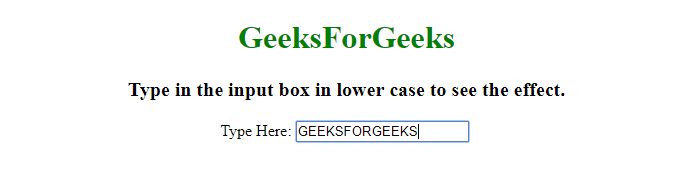
输出:
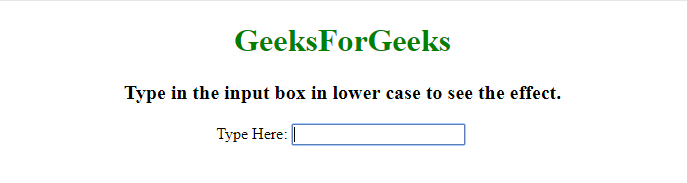
- 在输入框中输入之前。
- 在输入框中输入小写字母后。

方法2:
- 使用keyup()方法,当用户从键盘上释放按键时触发keyup事件。
- 使用toLocaleUpperCase()方法将输入转化为大写字母,并再次将其设置为输入元素。
例子:这个例子实现了上述方法。
<!DOCTYPE HTML>
<html>

<head>
    <title>
        How to change Input character
        to Upper Case while typing
        using CSS/JavaScript ?
    </title>

    <script src=
"https://ajax.googleapis.com/ajax/libs/jquery/3.4.1/jquery.min.js">
    </script>
</head>

<body style = "text-align:center;">

    <h1 style = "color: green">
        GeeksForGeeks
    </h1>

    <p id = "GFG_UP" style =
        "font-size: 20px; font-weight: bold;">
        Type in the input box in lower
        case to see the effect.
    </p>

    Type Here: <input id="yourid" type="text" />

    <br><br>

    <script>
        (function() {
            ('input').keyup(function() {
                this.value = this.value.toLocaleUpperCase();
            });
        });
    </script>
</body>

</html>
输出:
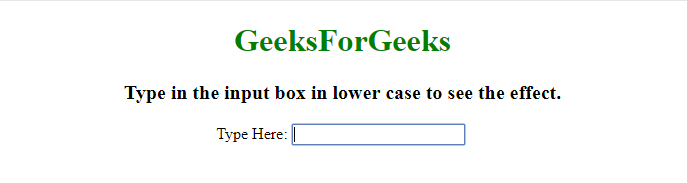
- 在输入框中输入之前。
- 在输入框中输入小写字母后。