极客教程
极客教程JavaScript 如何设置位置和location.href
在本文中,我们将使用JavaScript来设置位置和location.href。
location和location.href都用于设置或返回当前页面的完整URL。它们返回一个包含完整URL和协议的字符串。
语法:
location = "https://www.geeksforgeeks.org";
或者
location.href = "https://www.geeksforgeeks.org";
两者都用于设置URL。两者在Netscape 2.0中被描述为在后端运行JavaScript 1.0,并且从那时起一直在所有浏览器中运行。然而,根据您的方便性,您有自由选择其中任何一种,但最好使用 location.href 因为 location 可能不支持较旧版本的Internet Explorer。
像 location.split(“#); 这样的命令不能使用,因为 location 是一个对象,而 location.href 可以使用,因为它是一个字符串。
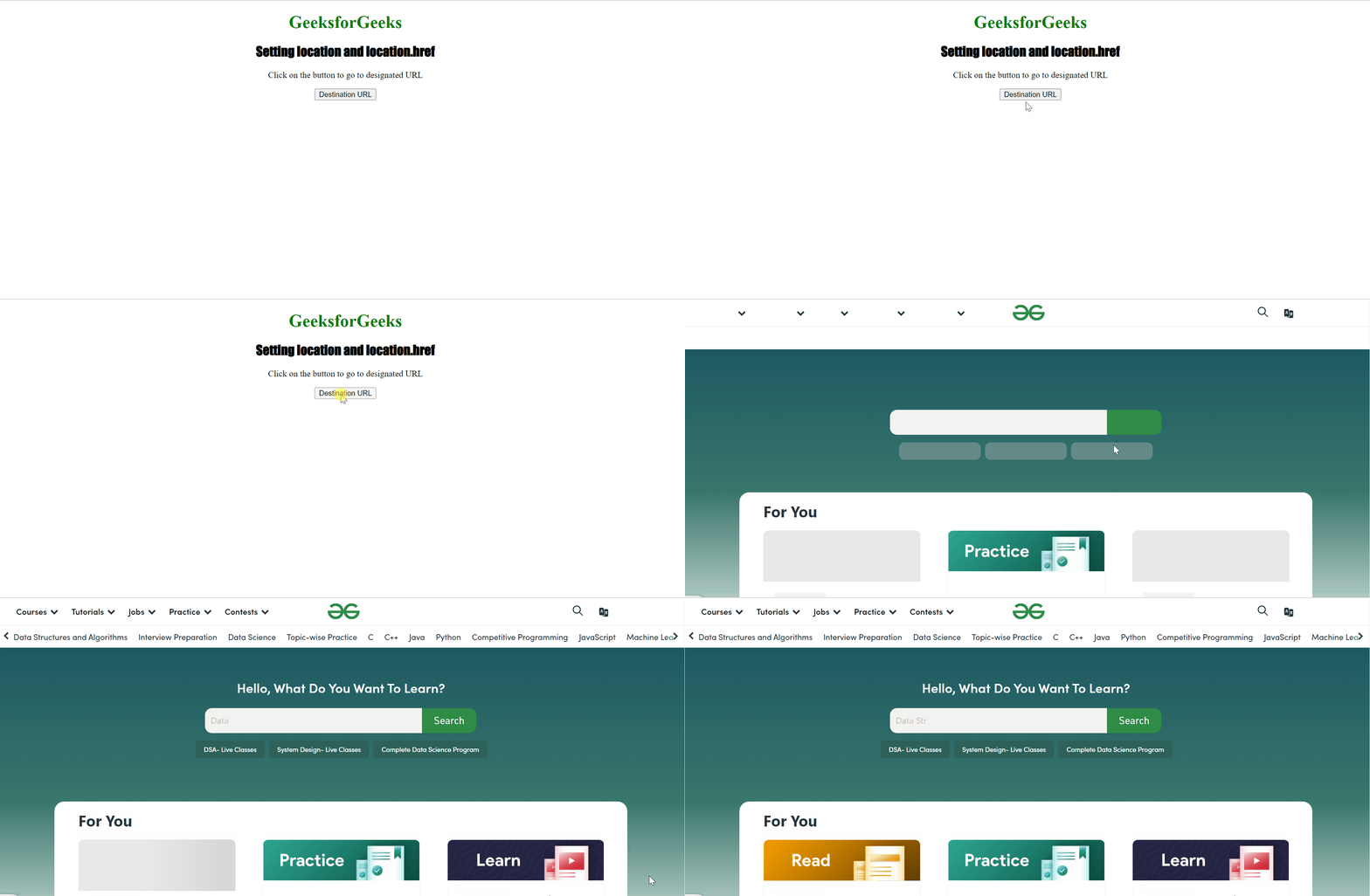
示例: 以下代码演示了DOM位置 href 属性。
<style>
    h1 {
        color: green;
    }

    h2 {
        font-family: Impact;
    }

    body {
        text-align: center;
    }
</style>

<body>
    <h1>GeeksforGeeks</h1>
    <h2>Setting location and location.href</h2>

    <p>
        Click on the button to go
        to designated URL
    </p>

    <button ondblclick="myhref()">
        Destination URL
    </button>

    <p id="href"></p>

    <script>
        function myhref() {
           location.href =
           "https://www.geeksforgeeks.org";
        }
    </script>
</body>
输出: