 极客教程
极客教程如何使用JavaScript获取当前URL
在本文中,我们将了解如何获取当前网页或网站的网址。可以使用文档对象的’URL’属性来获取当前URL。’URL’属性返回一个字符串,包含当前页面的完整位置,其中包含HTTP协议的字符串(例如http://)。
我们可以用两种方法使用Javascript获取当前URL:
- Document.URL
- window.location.href
Document.URL : HTML中的DOM URL属性用于返回一个包含当前文档完整URL的字符串。该字符串还包括HTTP协议(例如http://)。
语法:
document.URL
返回值: 返回一个表示文档完整URL的字符串值。
示例1: 这个例子说明了如何获取网页的当前URL。
<!DOCTYPE html>
<html>

<head>
    <title>
        如何使用JavaScript获取当前URL?
    </title>
</head>

<body>
    <h1 style="color:green">GeeksforGeeks</h1>
    <h2>
        JavaScript: 获取网站URL的程序?
    </h2>
    <p>
        <b>
            单击下面的按钮
            获取当前URL
        </b>
    </p>

    <button onclick="GetURL()">
         获取URL
    </button>
    <p id="url"></p>


    <script>
        function GetURL() {
            var gfg = document.URL;
            document.getElementById("url").innerHTML = gfg;
        }
    </script>
</body>

</html>
输出:
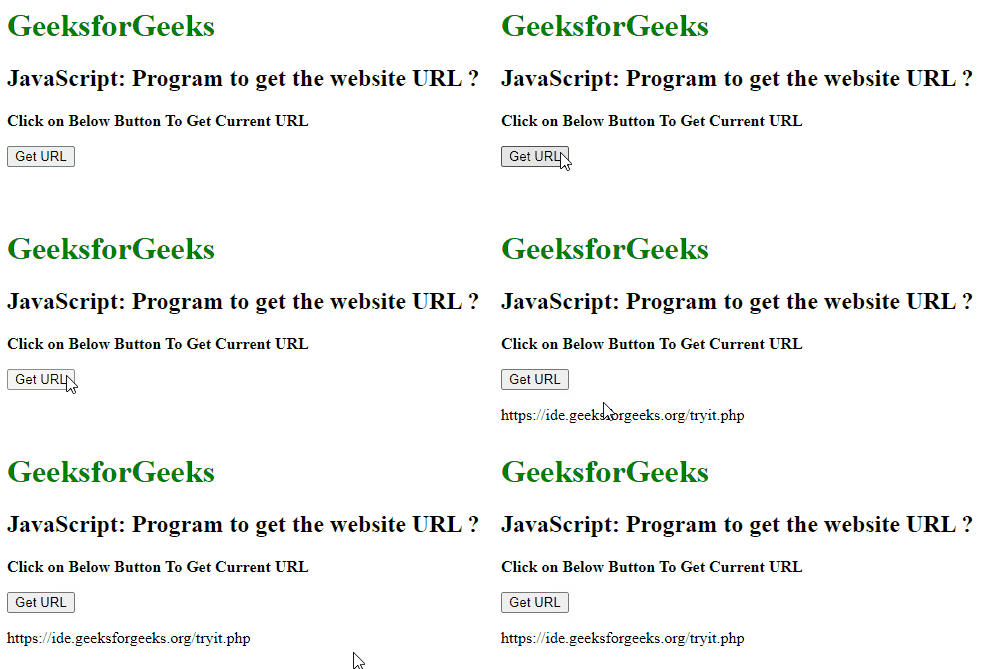
如何使用JavaScript获取当前URL?
window.location.href : HTML DOM中的Window.location属性返回一个包含有关文档当前位置的Location对象。
语法:
window.location.href
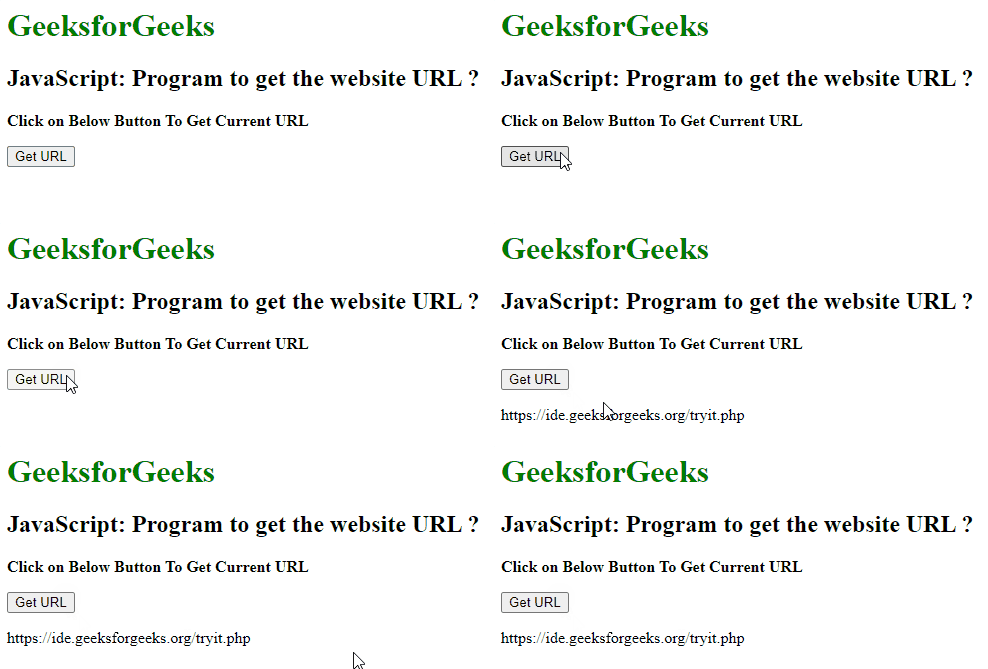
示例2: 这个例子说明了如何获取网页的当前URL。
<!DOCTYPE html>
<html>

<head>
    <title>
        How to get the current URL using JavaScript ?
    </title>
</head>

<body>
    <h1 style="color:green">
        GeeksforGeeks
    </h1>
    <h2>
        JavaScript: Program to
        get the website URL ?
    </h2>
    <p>
        <b>
            Click on Below Button
            To Get Current URL
        </b>
    </p>

    <button onclick="GetURL()">
        Get URL
    </button>
    <p id="url"></p>

    <script>
        function GetURL() {
            var gfg = window.location.href;
            document.getElementById("url").innerHTML = gfg;
        }
    </script>
</body>

</html>
输出:
阅读更多:JavaScript 教程