极客教程
极客教程Angular ng Bootstrap进度条组件
Angular ng bootstrap是一个与angular一起使用的bootstrap框架,用于创建具有良好风格的组件,这个框架非常容易使用,用于制作响应式网站。
在这篇文章中,我们将看到如何在angular ng bootstrap中使用Progressbar。进度条组件用于提供最新的工作进度反馈。
安装:
ng add @ng-bootstrap/ng-bootstrap
步骤:
- 首先,使用上述命令安装angular ng bootstrap。
- 在module.ts中导入ng bootstrap模块
    import { NgbModule } from '@ng-bootstrap/ng-bootstrap';
    imports: [
        NgbModule
    ]
- 在app.component.html中,制作一个进度条组件。
- 使用ng serve为应用程序提供服务。
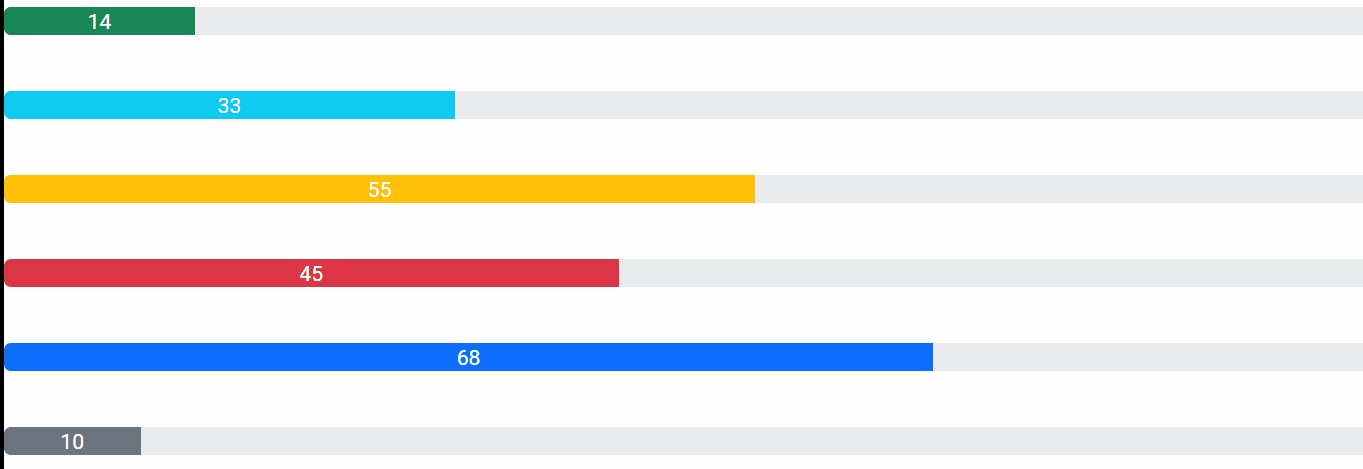
例子1:在这个例子中,我们正在制作一个进度条的基本例子。
<br/>
<p><ngb-progressbar type="success" [value]="14">
    14
</ngb-progressbar></p>
<br/>

<p><ngb-progressbar type="info" [value]="33">
    33
</ngb-progressbar></p>
<br/>

<p><ngb-progressbar type="warning" [value]="55">
    55
</ngb-progressbar></p>
<br/>

<p><ngb-progressbar type="danger" [value]="45">
    45
</ngb-progressbar></p>
<br/>

<p><ngb-progressbar type="primary" [value]="68">
    68
</ngb-progressbar></p>
<br/>

<p><ngb-progressbar type="secondary" [value]="10">
    10
</ngb-progressbar></p>
import { NgModule } from '@angular/core';

// Importing forms module
import { FormsModule, ReactiveFormsModule  }
from '@angular/forms';
import { BrowserModule }
from '@angular/platform-browser';
import { BrowserAnimationsModule }
from '@angular/platform-browser/animations';

import { AppComponent }   from './app.component';
import { NgbModule }
from '@ng-bootstrap/ng-bootstrap';

@NgModule({
  bootstrap: [
    AppComponent
  ],
  declarations: [
    AppComponent
  ],
  imports: [
    FormsModule,
    BrowserModule,
    BrowserAnimationsModule,
    ReactiveFormsModule,
    NgbModule

  ]
})
export class AppModule { }
输出:
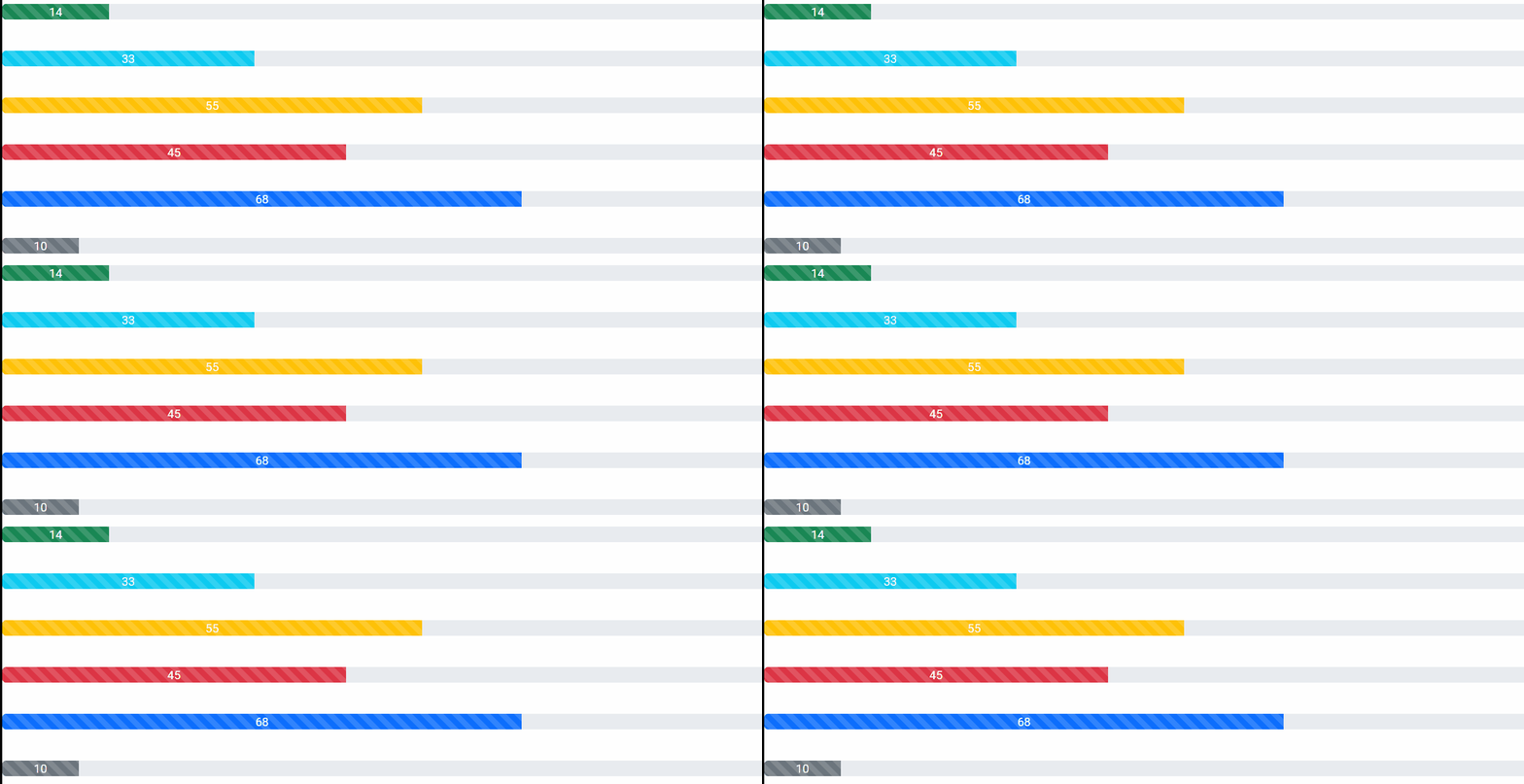
实例2:在这个例子中,我们正在制作一个进度条,并将条纹和动画设置为真。
<br/>

<p><ngb-progressbar
    type="success"
    [value]="14"
    [striped]="true"
    [animated]="true" >14
</ngb-progressbar></p>
<br/>

<p><ngb-progressbar
    type="info"
    [value]="33"
    [striped]="true"
    [animated]="true" >33
</ngb-progressbar></p>
<br/>

<p><ngb-progressbar
    type="warning"
    [value]="55"
    [striped]="true"
    [animated]="true" >55
</ngb-progressbar></p>
<br/>

<p><ngb-progressbar
    type="danger"
    [value]="45"
    [striped]="true"
    [animated]="true" >45
</ngb-progressbar></p>
<br/>

<p><ngb-progressbar
    type="primary"
    [value]="68"
    [striped]="true"
    [animated]="true" >68
</ngb-progressbar></p>
<br/>

<p><ngb-progressbar
    type="secondary"
    [value]="10"
    [striped]="true"
    [animated]="true" >10
</ngb-progressbar></p>
import { NgModule } from '@angular/core';

// Importing forms module
import { FormsModule, ReactiveFormsModule  }
from '@angular/forms';
import { BrowserModule }
from '@angular/platform-browser';
import { BrowserAnimationsModule }
from '@angular/platform-browser/animations';

import { AppComponent }
from './app.component';
import { NgbModule }
from '@ng-bootstrap/ng-bootstrap';

@NgModule({
  bootstrap: [
    AppComponent
  ],
  declarations: [
    AppComponent
  ],
  imports: [
    FormsModule,
    BrowserModule,
    BrowserAnimationsModule,
    ReactiveFormsModule,
    NgbModule

  ]
})
export class AppModule { }
输出: