 极客教程
极客教程JavaScript 如何移除字符串中的空格
在本文中,我们将学习如何使用JavaScript从字符串中移除空格。这可以通过以下几种方法实现:
- 使用split()和join()方法。
- 使用带有正则表达式的replace()方法。
- 使用reduce()方法和扩展运算符。
- 使用trim()方法。
方法1:使用split()和join()方法
split()方法用于将字符串分割成多个子字符串,并以数组形式返回。可以指定一个分隔符作为参数,从而在字符串中找到该分隔符时进行分割。在这个参数中指定空格字符(“ ”),以便在每次出现空格时分割字符串。join()方法用于使用分隔符将字符串数组连接起来。这将返回一个使用指定分隔符连接的新字符串。此方法在返回的数组上使用,不使用分隔符(“”)将字符串连接起来。这将连接数组中的字符串并返回一个新字符串。这将移除原始字符串中的所有空格。
语法:
string.split(" ").join("")
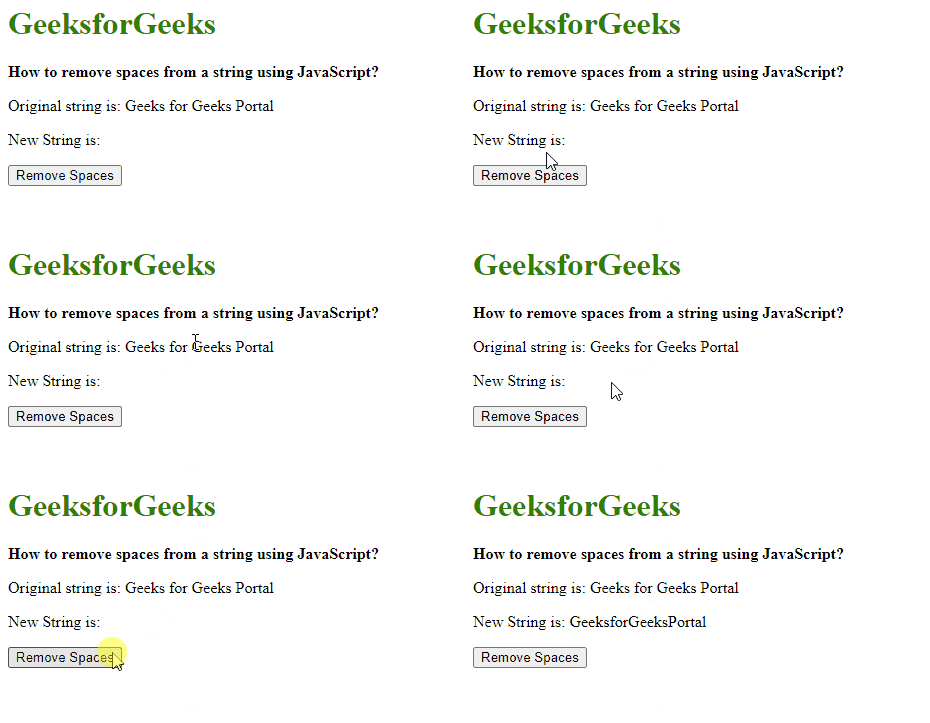
示例: 在这个示例中,我们将使用 split() 和 join() 方法 。
<!DOCTYPE html>
<html lang="en">
<head>
    <title>
        How to remove spaces from a string using JavaScript ?
    </title>
</head>

<body>
    <h1 style="color: green">
        GeeksforGeeks
    </h1>
    <b>
        How to remove spaces from
        a string using JavaScript?
    </b>
    <p>
        Original string is:
        Geeks for Geeks Portal
    </p>
    <p>
        New String is:
        <span class="output"></span>
    </p>
    <button onclick="removeSpaces()">
        Remove Spaces
    </button>
    <script type="text/javascript">
        function removeSpaces() {
            originalText =
                "Geeks for Geeks Portal";

            removedSpacesText =
                originalText.split(" ").join("");

            document.querySelector('.output').textContent
                = removedSpacesText;
        }
    </script>
</body>
</html>
输出:
方法2:使用replace() 方法与正则表达式
replace() 方法用于将指定的字符串替换为另一个字符串。它接受两个参数,第一个参数是要替换的字符串,第二个参数是要替换为的字符串。第二个字符串可以被指定为空字符串,以便替换空格。第一个参数是一个包含空格字符(” “)以及全局属性的正则表达式。这将选择字符串中的每个空格的每个出现,并且可以使用第二个参数中的空字符串将其删除。这将删除原始字符串中的所有空格。
语法:
string.replace(/ /g, "")
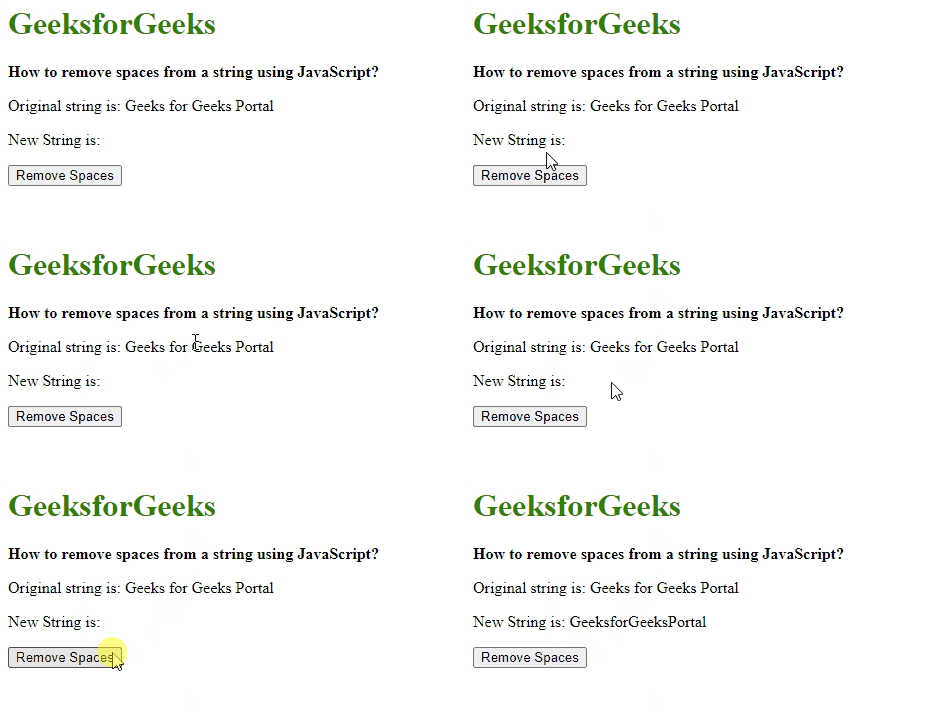
示例: 在这个示例中,我们将使用 replace()方法与正则表达式。
<!DOCTYPE html>
<html lang="en">
<head>
    <title>
        How to remove spaces from a string using JavaScript ?
    </title>
</head>

<body>
    <h1 style="color: green">
        GeeksforGeeks
    </h1>
    <b>
        How to remove spaces from
        a string using JavaScript?
    </b>
    <p>
        Original string is:
        Geeks for Geeks Portal
    </p>
    <p>
        New String is:
        <span class="output"></span>
    </p>
    <button onclick="removeSpaces()">
        Remove Spaces
    </button>
    <script>
        function removeSpaces() {
            originalText =
                "Geeks for Geeks Portal";

            newText =
                originalText.replace(/ /g, "");

            document.querySelector('.output').textContent
                = newText;
        }
    </script>
</body>
</html>
输出:
方法3:使用reduce()方法和展开运算符
使用展开运算符将字符串转换为数组,使用reduce()方法将数组减少到一个单一的值,并对数组的每个值执行一个提供的函数。函数的返回值存储在累加器中,并从数组中形成一个单一的值。函数检查字符串的每个字符是否为空格,如果是空格,则不将字符添加到累加器中;如果不是空格,则将字符添加到累加器中。最后,返回字符串的累加器不包含任何空格。
语法:
[...string].reduce((accum, char)=> (char===" ") ? accum : accum + char, '')
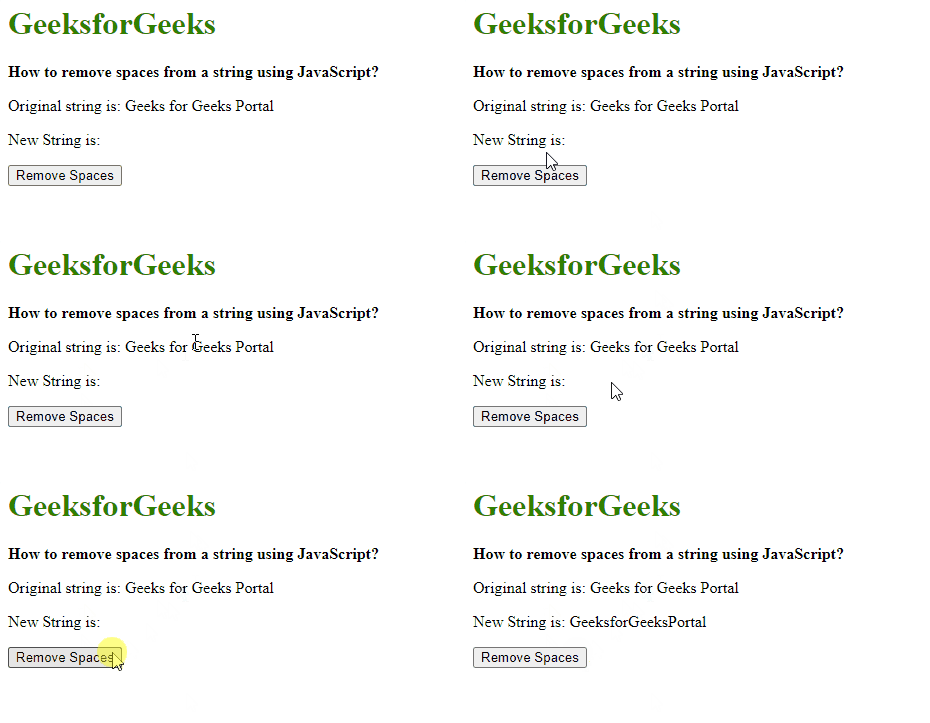
示例3: 在这个示例中,我们将使用reduce()方法与spread操作符
<!DOCTYPE html>
<html lang="en">
<head>
    <title>
        How to remove spaces from a string using JavaScript ?
    </title>
</head>

<body>
    <h1 style="color: green">
        GeeksforGeeks
    </h1>
    <b>
        How to remove spaces from
        a string using JavaScript?
    </b>
    <p>
        Original string is:
        Geeks for Geeks Portal
    </p>
    <p>
        New String is:
        <span class="output"></span>
    </p>
    <button onclick="removeSpaces()">
        Remove Spaces
    </button>

    <script>
        function removeSpaces() {
            originalText =
                "Geeks for Geeks Portal";

            removedSpacesText = [...originalText].reduce
                ((accum, char) => (char === " ") ? accum : accum + char, '');

            document.querySelector('.output').textContent
                = removedSpacesText;
        }
    </script>
</body>
</html>
输出:
方法4:使用trim()方法
此方法从字符串的开头和结尾移除所有的空格。它返回新的字符串。
语法:
str.trim()
示例: 在这个示例中,我们将使用trim()方法将字符串开头和结尾的空格去掉。
const geek = '   Geeksforgeeks   ';

console.log(geek);
// Expected output: "  Geeksforgeeks    ";

console.log(geek.trim());
// Expected output: "Geeksforgeeks";
输出:
   Geeksforgeeks
Geeksforgeeks