极客教程
极客教程JavaScript 如何检测空闲时间
空闲时间是指用户不与网页进行交互的时间。这种交互可以是移动鼠标、点击页面或使用键盘等。可以检测到这段时间,以执行一些需要在一定空闲时间后发生的事件。
方法1
使用JavaScript: 实现时,创建两个函数,一个是在检测到用户交互时重置计时器的函数,另一个是在用户空闲期间定期执行的函数。重置函数包含 setInterval() 函数,用于创建一个反复调用另一个函数的新计时器。创建的计时器分配给一个变量,在再次调用此函数进行用户交互时用于清除旧计时器。
通过将此函数绑定到导致页面交互的事件来调用它。这些事件包括onload、onmousemove、onmousedown、ontouchstart、onclick和onkeypress等方法。
另一个函数在用户空闲时被调用,可以用于跟踪时间并在用户长时间不活动时执行操作。一个示例是在超过指定时间后注销用户。
示例:
<body>
    <h1 style="color:green">
        GeeksforGeeks
    </h1>

    <b>
        How to detect idle time in
        JavaScript elegantly?
    </b>

    <p>
        The timer will be incremented every
        second to denote the idle time.
        Interaction with the mouse or
        keyboard will reset and hide the timer.
    </p>

    <p class="timertext" style="font-size: 1.5rem;">
        You are idle for
        <span class="secs"></span> seconds.
    </p>

    <script type="text/javascript">
        let timer, currSeconds = 0;

        function resetTimer() {

            /* Hide the timer text */
            document.querySelector(".timertext")
                    .style.display = 'none';

            /* Clear the previous interval */
            clearInterval(timer);

            /* Reset the seconds of the timer */
            currSeconds = 0;

            /* Set a new interval */
            timer =
                setInterval(startIdleTimer, 1000);
        }

        // Define the events that
        // would reset the timer
        window.onload = resetTimer;
        window.onmousemove = resetTimer;
        window.onmousedown = resetTimer;
        window.ontouchstart = resetTimer;
        window.onclick = resetTimer;
        window.onkeypress = resetTimer;

        function startIdleTimer() {

            /* Increment the
                timer seconds */
            currSeconds++;

            /* Set the timer text
                to the new value */
            document.querySelector(".secs")
                .textContent = currSeconds;

            /* Display the timer text */
            document.querySelector(".timertext")
                .style.display = 'block';
        }
    </script>
</body>
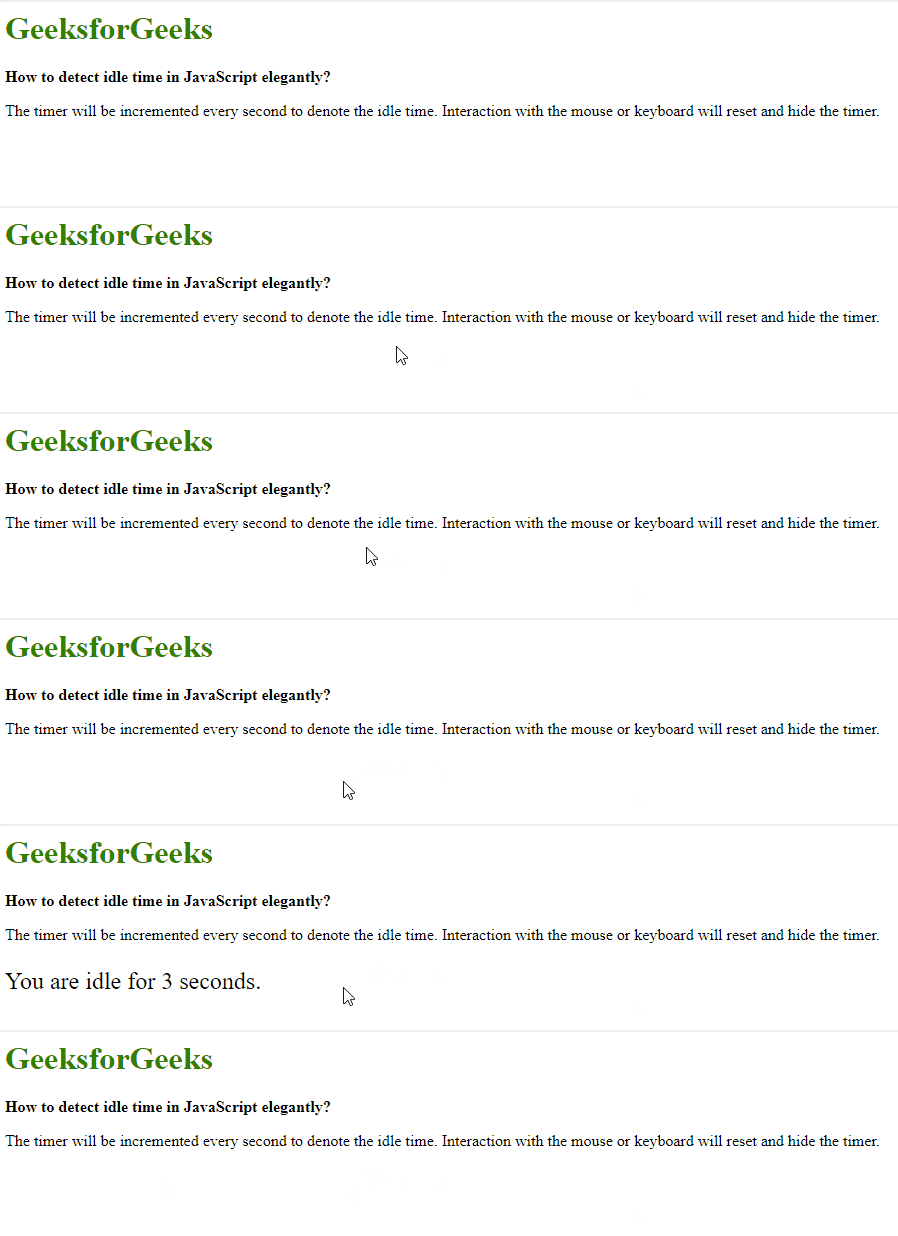
输出:

方法2
使用jQuery: 与上述方法类似,然而在这里,每次检测到用户交互时,并不会创建新的计时器。相反,只有在检测到用户交互时,正在运行的计时器才会被重置为0。为了实现这一点,创建了两个函数,一个是在检测到用户交互时将计时器重置为0的函数,另一个是在用户空闲期间定期执行的函数。定义了一个新的变量,用于全局表示空闲计时器的当前时间。
使用 document.ready() 事件来创建一个定时器,其中使用 setInterval() 函数重复调用另一个处理用户在指定时间内处于空闲状态时会发生的事情的函数。重置函数由一个简单的语句组成,将计时器变量的值更改为0,有效地重置当前的空闲时间。此函数通过将其绑定到导致页面交互的事件来调用。这些事件包括 onload , onmousemove , onmousedown , ontouchstart , onclick 和 onkeypress。
示例:
<head>
    <script src=
"https://code.jquery.com/jquery-3.4.1.min.js">
    </script>
</head>
<body>
    <h1 style="color: green">
        GeeksforGeeks
    </h1>

    <b>
        How to detect idle time in
        JavaScript elegantly?
    </b>

    <p>
        The timer will be incremented every
        second to denote the idle time.
        Interaction with the mouse or keyboard
        will reset and hide the timer.
    </p>

    <p class="timertext" style="font-size: 1.5rem;">
        You are idle for
        <span class="secs"></span> seconds.
    </p>

    <script type="text/javascript">
        var currSeconds = 0;

        (document).ready(function() {

            /* Increment the idle time
                counter every second */
            let idleInterval =
                setInterval(timerIncrement, 1000);

            /* Zero the idle timer
                on mouse movement */
            (this).mousemove(resetTimer);
            $(this).keypress(resetTimer);
        });

        function resetTimer() {

            /* Hide the timer text */
            document.querySelector(".timertext")
                .style.display = 'none';

            currSeconds = 0;
        }

        function timerIncrement() {
            currSeconds = currSeconds + 1;

            /* Set the timer text to
                the new value */
            document.querySelector(".secs")
                .textContent = currSeconds;

            /* Display the timer text */
            document.querySelector(".timertext")
                .style.display = 'block';
        }
    </script>
</body>
输出: