极客教程
极客教程JavaScript 如何动态禁用按钮元素
按钮 disabled属性 在HTML DOM中用于设置或返回按钮元素是否被禁用。禁用的元素无法点击和使用,它包含一个布尔值。
语法: 用于设置按钮的disabled属性。
buttonObject.disabled = "value"
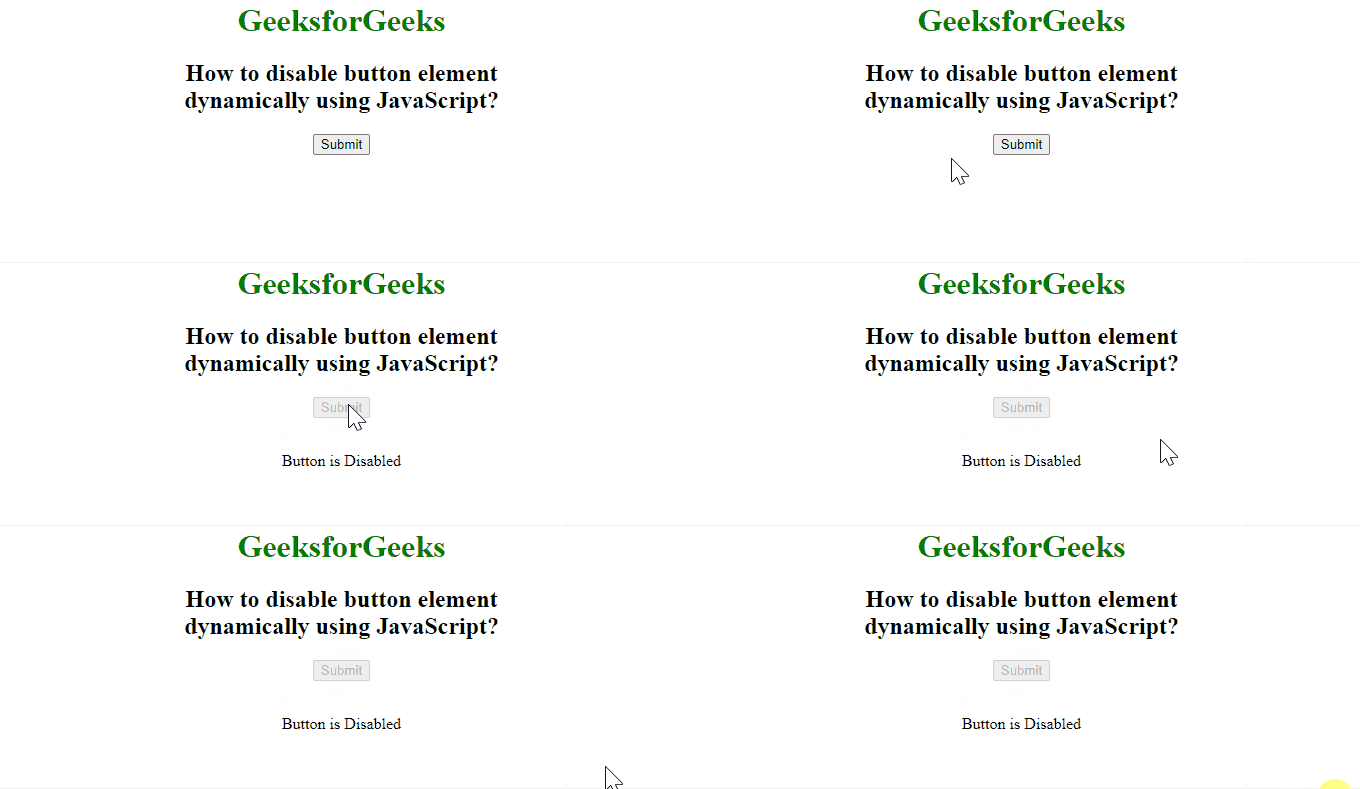
示例: 在此示例中,我们将使用disabled属性禁用一个按钮。
<body style="text-align:center">

    <h1 style="color: green;">
        GeeksforGeeks
    </h1>

    <h2>
        How to disable button element<br>
        dynamically using JavaScript?
    </h2>

    <!-- Assigning id to Button. -->
    <button id="GFG" onclick="Geeks()">
        Submit
    </button>

    <br><br>

    <p id="sudo"></p>

    <script>
        function Geeks() {

            document.getElementById("GFG")
                .disabled = "true";

            document.getElementById("sudo")
                .innerHTML = "Button is Disabled";
        }
    </script>
</body>
输出: