极客教程
极客教程JavaScript 如何从字符串创建元素
在本文中,我们将学习如何使用JavaScript从字符串创建元素。这在用户需要动态生成元素的情况下非常有用。
可以使用以下多种方法来实现。
- 使用createElement()方法
- 使用DOMParser
- 使用jQuery的parseHTML()方法
方法1:使用createElement()方法
createElement()方法 用于在DOM中创建元素。它接受两个参数,一个是 tagName ,它是一个定义要创建的元素类型的字符串,另一个是可选的 options 对象,可用于修改元素的创建方式。任何需要的元素都可以以字符串的形式传递给此函数,并返回指定的元素。此方法只能用于从一个字符串创建一个单独的元素。
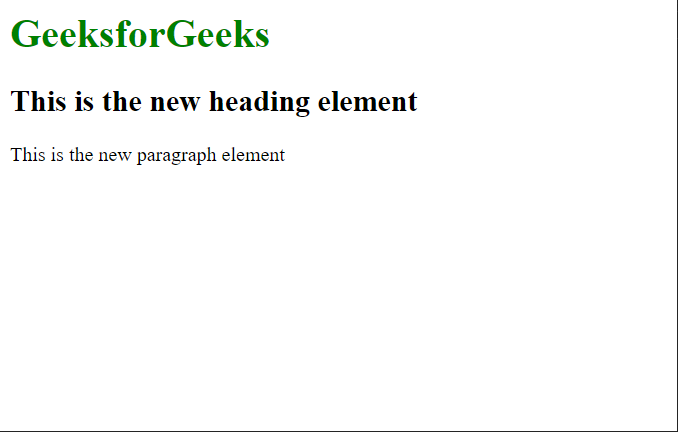
示例: 在这个示例中,我们通过将字符串指定为”h2″来创建一个标题元素。
<!DOCTYPE html>
<html lang="en">

<head>
    <title>
          Create an element from a string
      </title>
</head>

<body>
    <h1 style="color:green">
        GeeksforGeeks
    </h1>

    <script>
        // Specify the string from which
        // the elements would be created
        let str = "h2";
        let str2 = "p";

        // Creating the elements
        let elem =
            document.createElement(str);
        let elem2 =
            document.createElement(str2);

        // Insert text in the element
        elem.innerText =
            "This is the new heading element";
        elem2.innerText =
            "This is the new paragraph element";

        // Add the element to the body
        document.body.appendChild(elem);
        document.body.appendChild(elem2);
    </script>
</body>

</html>
输出结果:
方法2:使用DOMParser
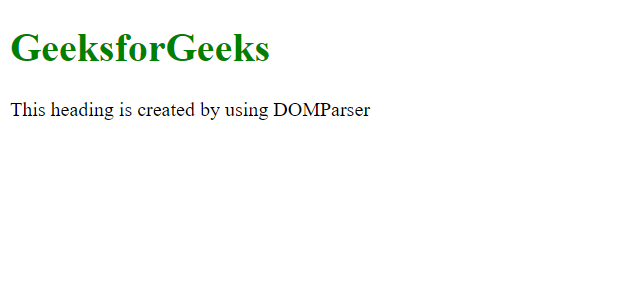
DOMParser是JavaScript中的一个API,允许您解析HTML字符串并从中创建DOM文档。它提供了一种在内存中以编程方式创建和操作HTML文档的方法。
示例:
<!DOCTYPE html>
<html lang="en">

<head>
    <title>
          Create an element from a string
      </title>
</head>

<body>
    <h1 style="color:green">
        GeeksforGeeks
    </h1>
    <script>
        // Create a string representing the element
        const elementString = `<div id="myElement">This heading
                                is created by using DOMParser</div>`;

        // Create a new DOMParser
        const parser = new DOMParser();

        // Parse the element string
        const doc = ]
              parser.parseFromString(elementString, 'text/html');

        // Access the parsed element
        const element = doc.body.firstChild;

        // Now you can manipulate or append the element to the document
        document.body.appendChild(element);

    </script>
</body>

</html>
输出:
方法3:使用jQuery parseHTML()方法
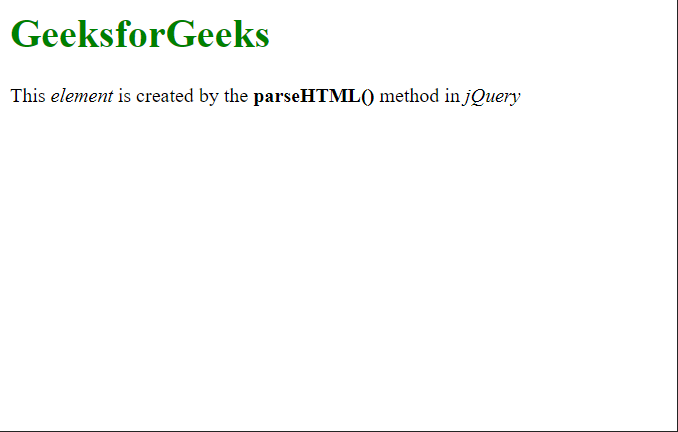
jQuery的parseHTML()方法用于解析HTML字符串,以便根据给定的HTML创建元素。这种方法可以用来从字符串中创建多个元素。
示例: 在这个示例中,字符串指定了多个元素,这些元素被解析为HTML并添加到文档的body中。
<!DOCTYPE html>
<html lang="en">

<head>
    <title>
          Create an element from a string
      </title>
</head>

<body>
    <!-- Include jQuery -->
    <script src="https://code.jquery.com/jquery-3.6.0.js">
    </script>

    <h1 style="color:green">
        GeeksforGeeks
    </h1>
    <script>
        // Define the HTML string to be parsed
        str = "<p>This <i>element</i> is created by" +
              " the <b>parseHTML()</b> " +
              "method in <i>jQuery</i></p>";

        // Parsing the string into HTML
        html = .parseHTML(str);

        // Append the element in the document
        ('body').append(html);
    </script>
</body>

</html>
输出: