极客教程
极客教程JavaScript 如何将多行字符串拆分为行数组
JavaScript中的多行字符串指的是具有两行或更多行的字符串。要将多行字符串拆分为数组,我们需要在JavaScript代码中使用 split() 。
JavaScript split(separator, limit) 方法: split()函数用于根据我们传递的属性来拆分数据。分隔符属性指定从哪个单词/符号开始拆分字符串。limit属性是可选的,它指定将有多少个拆分。
示例1
该示例演示了上述方法的使用。当我们点击“Go”按钮时,多行字符串的数组将以逗号分隔显示在屏幕上。
<h1 style="color:green">
    Welcome to Geeks for Geeks
</h1>
<h3>
    Split multiline string into an array of lines in JavaScript
</h3>
<button onclick="myFunction()">
    Go
</button>

<p id="StringToArray"></p>

<script>
    function myFunction() {
        var string = "Are you ready?"
            + "<br>So let's get started";

        var array = string.split("<br>");

        document.getElementById("StringToArray")
            .innerHTML = array;
    }
</script>
输出:

示例2
现在,让我们看看如何获取数组的特定索引。
<h1 style="color:green">
    Welcome to Geeks for Geeks
</h1>
<h3>
    Split multiline string into an array of lines in JavaScript
</h3>

<button onclick="myFunction()">Go</button>

<p id="StringToArray"></p>

<script>
    function myFunction() {
        var string = "Are you ready?"
            + "<br>So let's get started";

        var array = string.split("<br>");

        document.getElementById("StringToArray")
            .innerHTML = array[1];
    }
</script>
输出:
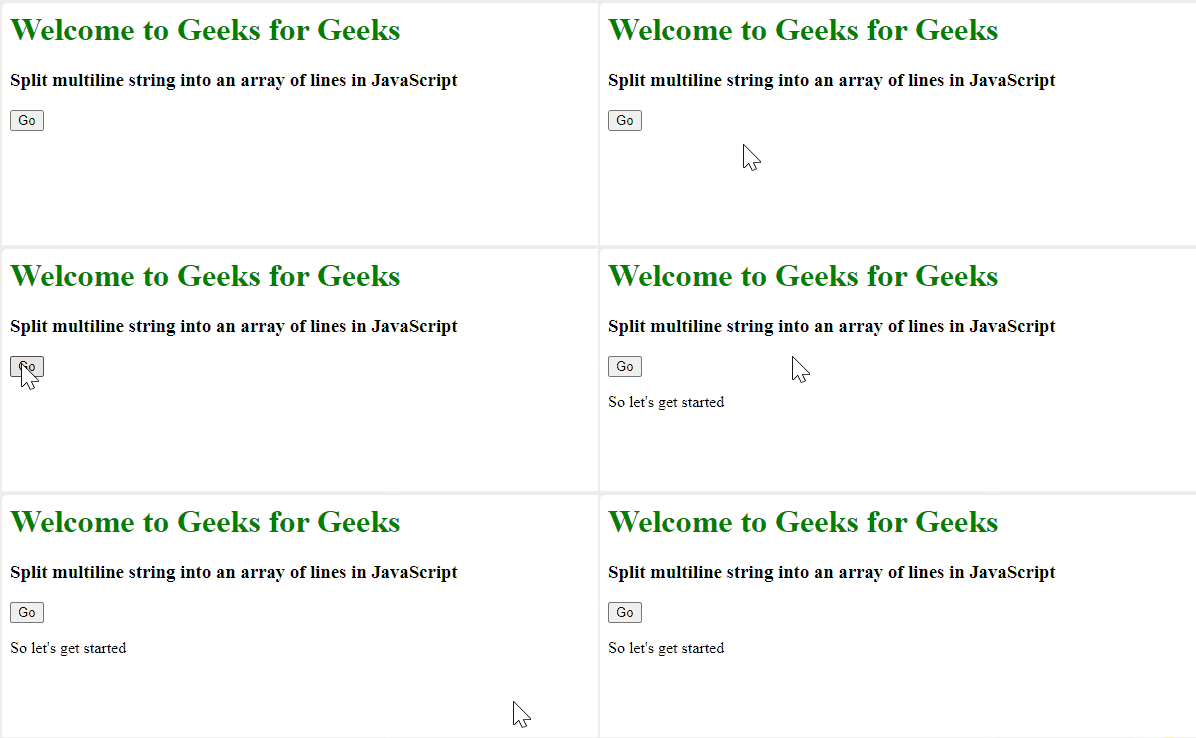
正如我们写的array[1],因此只有第二行被打印出来。如果我们写array[2],那么它将是未定义的,因为这个数组只包含索引为0和1的数据。
示例3
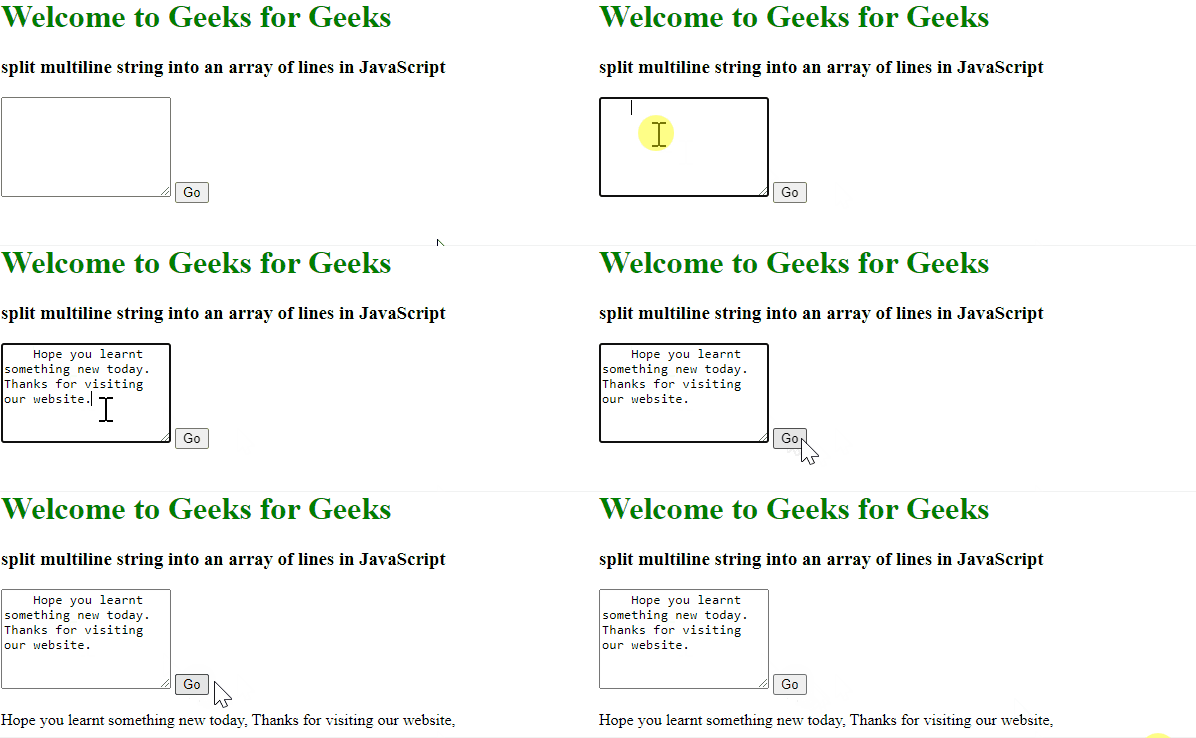
现在,让我们尝试接受用户输入的字符串。
<h1 style="color:green">
    Welcome to Geeks for Geeks
</h1>
<h3>
    split multiline string into an
    array of lines in JavaScript
</h3>

<textarea id="write" placeholder="Write something"
          style="height:100px;">
</textarea>

<button onclick="myFunction()">Go</button>

<p id="StringToArray"></p>


<script>
    function myFunction() {

        var string = document
            .getElementById("write").value;

        var array = string.split(".");

        document.getElementById("StringToArray")
            .innerHTML = array;
    }
</script>
输出: