极客教程
极客教程JavaScript 如何将换行符替换为br标签
在本文中,我们得到了一个多行字符串,并且任务是将换行符替换为<br>标签。
示例:
Input: `Geeks for Geeks is
a computer science portal
where people study computer science`
Output: "Geeks for Geeks is <br> a computer science portal <br> where people study computer science"
要实现这一点,我们有以下方法:
方法1
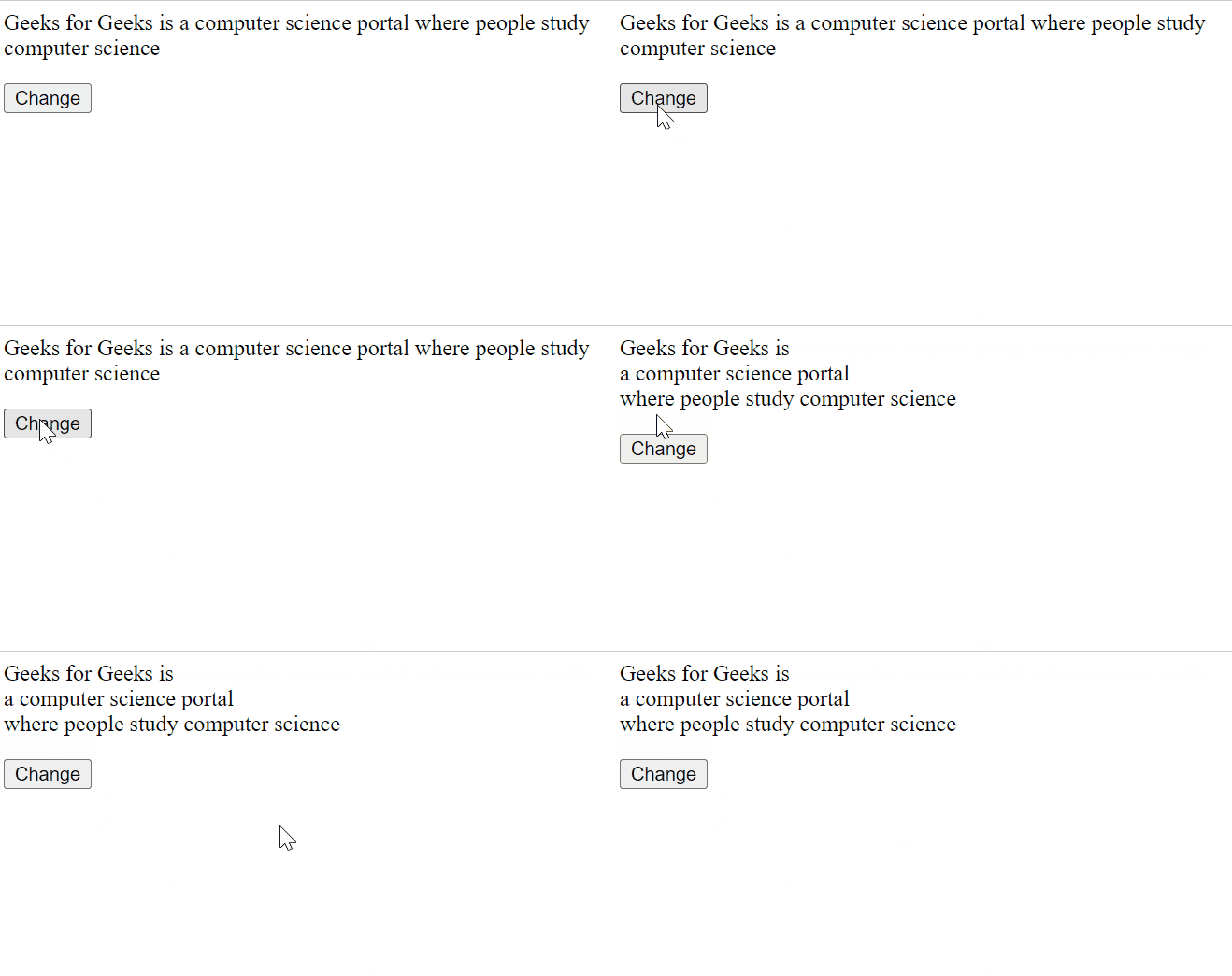
使用正则表达式,在这个例子中,我们创建了一个段落和一个按钮,点击按钮时我们会改变(通过添加<br>)段落的文本。
我们使用 String.replace() 方法来替换换行符为<br>。String.replace()是JavaScript中的一个内置方法,用于用另一个字符串或正则表达式替换给定字符串的一部分。原始字符串将保持不变。
示例
这个示例演示了使用string.replace()方法将换行符替换为<br>的用法。
<p id="para"></p>

<button onClick="myFunc()">Change</button>
<script>
    let str = `Geeks for Geeks is
       a computer science portal
       where people study computer science`;

    let para = document.getElementById("para");

    para.innerHTML = str;

    function myFunc() {
      // Replace the \n with <br>
      str = str.replace(/(?:\r\n|\r|\n)/g, "<br>");

      // Update the value of paragraph
      para.innerHTML = str;
    }
</script>
输出:
方法2
使用 split() 和 join() ,在这个方法中,我们通过分割字符串以\n作为分隔符来获取一个子字符串数组,然后使用join方法将数组连接起来,并传入<br />以便每个连接中包含<br />。
示例:
在这个示例中,我们将使用javascript的split()和join()方法来用<br>替换换行符。
<p id="para"></p>
<button onClick="myFunc()">Change</button>
<script>
    let str = `Geeks for Geeks is
       a computer science portal
       where people study computer science`;

    let para = document.getElementById("para");

    para.innerHTML = str;

    function myFunc() {
      // Replace the \n with <br>
      str = str.split("\n").join("<br />");
      // Update the value of paragraph
      para.innerHTML = str;
    }
</script>
输出: