极客教程
极客教程JavaScript 如何访问历史记录
在这篇文章中,我们将学习如何在JavaScript中访问历史记录。我们将使用 History对象 来访问JavaScript中的历史记录堆栈。每个网络浏览器都会将会话期间打开的网站或网页的数据存储在历史记录堆栈中。要访问此历史记录堆栈,我们需要在JavaScript中使用History对象。
History对象: history对象包含浏览器的历史记录。用户访问的页面的URL被存储为一个堆栈在历史对象中。有多种方法来管理/访问历史对象。
History对象的方法:
1. forward()方法: 此方法用于加载历史列表中的下一个URL。它的功能与浏览器中的下一个按钮完全相同。没有参数,不会返回任何内容。
语法:
history.forward()
2. back() 方法: 此方法用于加载历史列表中的上一个URL。它具有与浏览器中的后退按钮完全相同的功能。该方法没有参数,不返回任何值。
语法:
history.back()
3. go() 方法: 该方法用于从历史列表中加载一个URL。
语法:
history.go(integer)
参数: 此方法有一个参数,用于指定历史记录中的URL。可以有以下值:
| 值 | 用法 |
|---|---|
| -1 | 加载历史记录中的上一页 |
| 0 | 重新加载页面 |
| 1 | 加载历史记录中的下一页 |
示例 1: 使用 forward() 和 back() 方法
geekshtml.html
<!DOCTYPE html>
<html>

<head>
    <style>
        a,
        input {
            margin: 10px;
        }
    </style>
</head>

<body>
    <h1>This is page 1</h1>

    <a href="/geekshtml2.html">Go to page 2</a> <br>

    back button : <input type="button"
        value="Back" onclick="previousPage()"> <br>

    forward button : <input type="button"
        value="Forward" onclick="NextPage()"> <br>

    <script>
        function NextPage() {
            window.history.forward()
        }
        function previousPage() {
            window.history.back();
        }
    </script>
</body>

</html>
geekshtml2.html
<!DOCTYPE html>
<html>

<head>
    <style>
        a,
        input {
            margin: 10px;
        }
    </style>
</head>

<body>
    <h1>This is page 2</h1>

    back button : <input type="button"
        value="Back" onclick="previousPage()"> <br>

    forward button : <input type="button"
        value="Forward" onclick="NextPage()"> <br>

    <script>
        function NextPage() {
            window.history.forward()
        }
        function previousPage() {
            window.history.back();
        }
    </script>
</body>

</html>
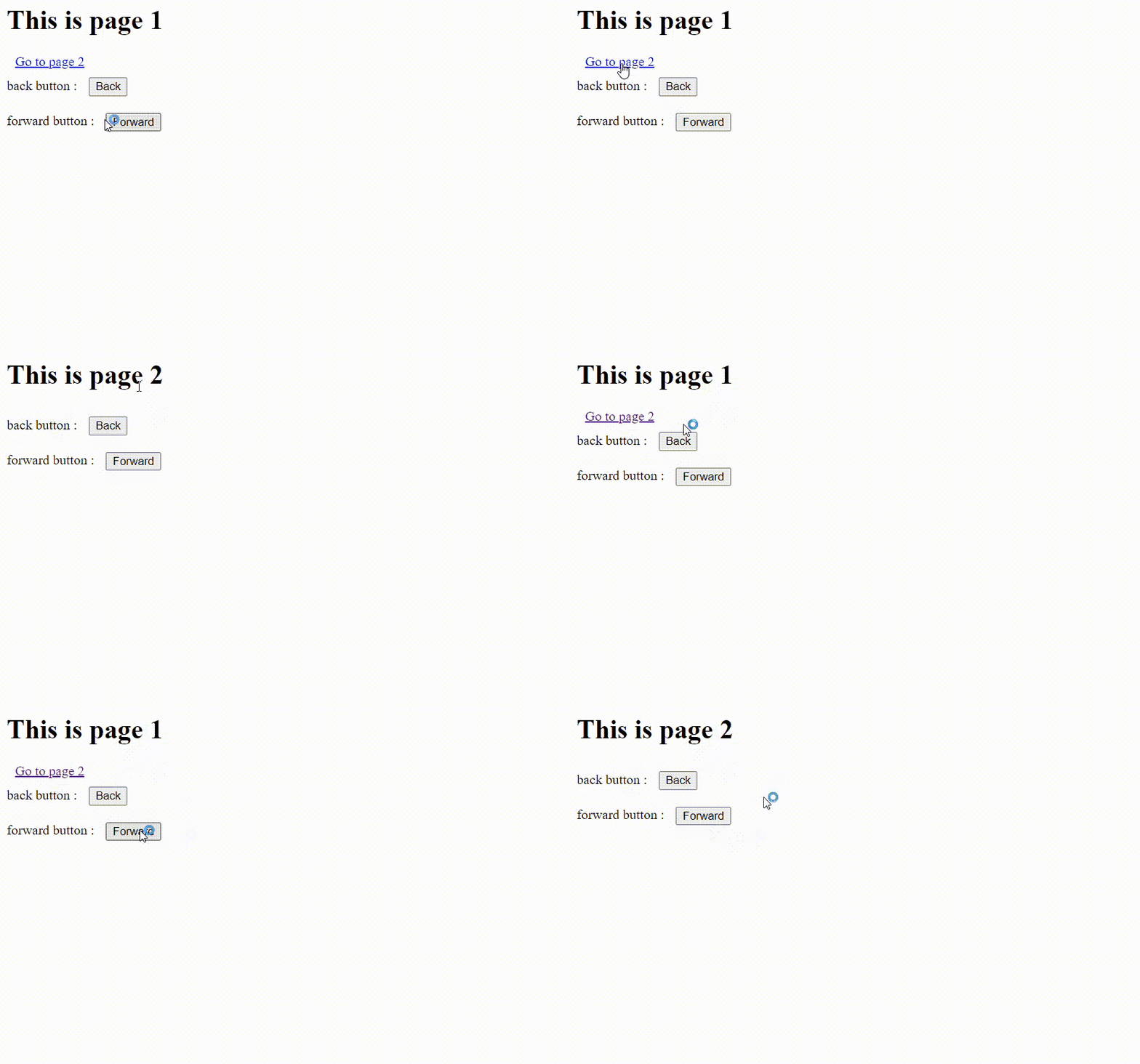
输出:
示例 2: 使用 go()、forward() 和 back() 方法。
geekshtml.html
<!DOCTYPE html>
<html>

<head>
    <style>
        a,
        input {
            margin: 10px;
        }
    </style>
</head>

<body>
    <h1>This is page 1</h1>

    <a href="/geekshtml2.html">Go to page 2</a> <br>

    back button : <input type="button"
        value="Back" onclick="previousPage()"> <br>

    forward button : <input type="button"
        value="Forward" onclick="NextPage()"> <br>

    Go button : <input type="button"
        value="go" onclick="go()"> <br>

    <script>
        function NextPage() {
            window.history.forward()
        }
        function previousPage() {
            window.history.back();
        }
        function go() {
            window.history.go(0);
        }
    </script>
</body>

</html>
geekshtml2.html
<!DOCTYPE html>
<html>

<head>
    <style>
        a,
        input {
            margin: 10px;
        }
    </style>
</head>

<body>
    <h1>This is page 2</h1>

    back button : <input type="button"
        value="Back" onclick="previousPage()"> <br>

    forward button : <input type="button"
        value="Forward" onclick="NextPage()"> <br>

    Go button : <input type="button"
        value="go" onclick="go()"> <br>

    <script>
        function NextPage() {
            window.history.forward()
        }
        function previousPage() {
            window.history.back();
        }
        function go() {
            window.history.go(0);
        }
    </script>
</body>

</html>
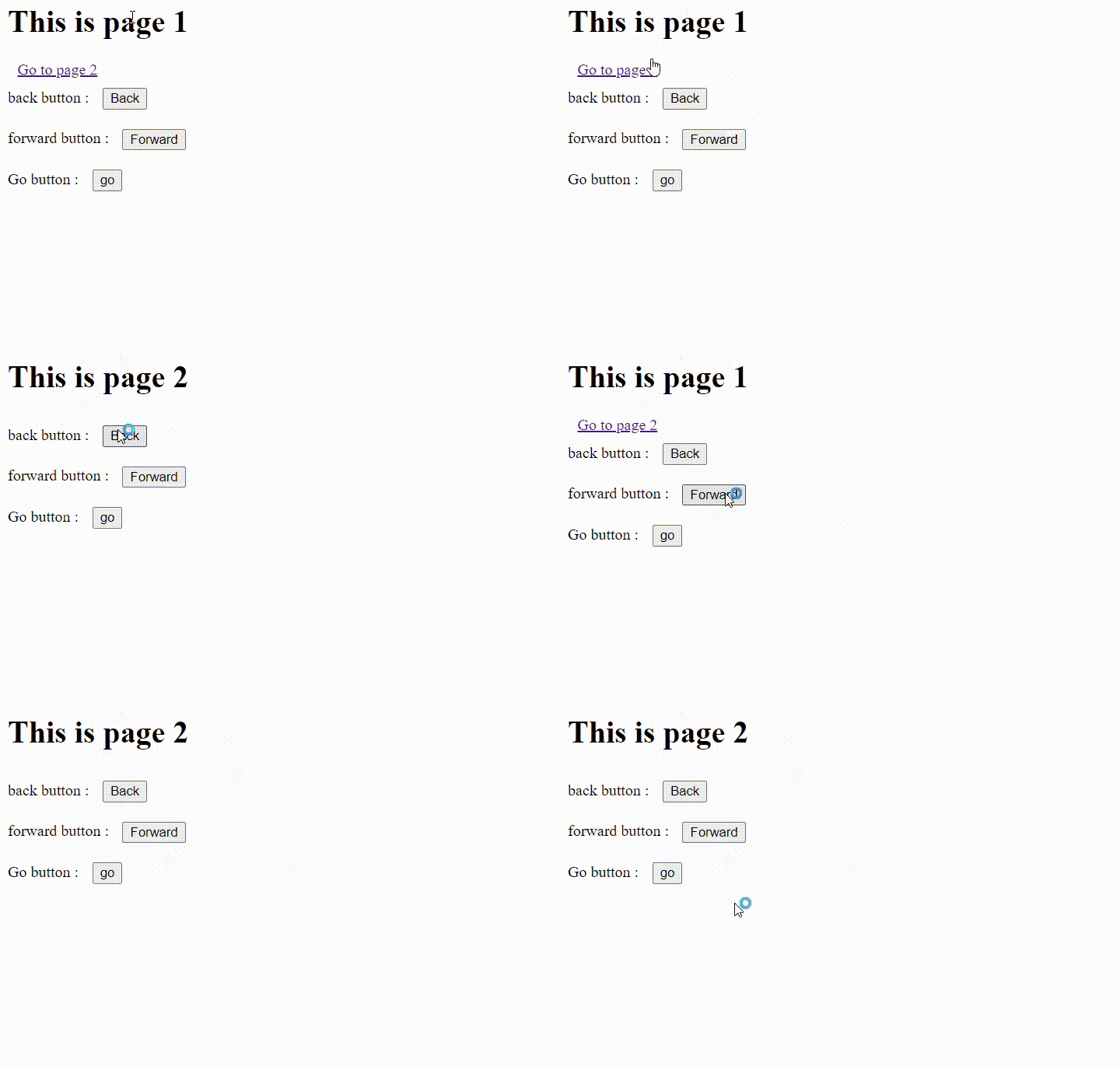
输出: