极客教程
极客教程HTML5 可用的API解释
API 代表应用程序编程接口。API是一组预先构建的程序,可以借助JavaScript使用。API用于实现已经编写好的代码,以满足您正在处理的项目的需求。
让我们讨论一些由HTML5提供的有用和受欢迎的API。
注意: 以下提到的所有代码示例中,“myScript.js”文件包含以下代码。
JavaScript
var count = 0;
function countGFG() {
    count += 1;
    postMessage("Welcome to GeeksforGeeks! (" + count + ")");
    setTimeout("countGFG()", 1000);
}

countGFG();
HTML地理位置API: 地理位置API用于获取用户或页面访问者的当前位置。只有在用户允许的情况下,它才会显示用户的位置,因为这可能会危及用户的安全和隐私。
语法:
var loc = navigator.geolocation;
Geolocation API 中的可用方法:
- getCurrentPosition() 方法: getCurrentPosition() 方法返回一个对象,其中包含属性如下: 纬度、经度、精度、海拔等。
- watchPosition() 方法: 此方法将返回用户的当前位置以及当用户位置改变或用户从一个位置到另一个位置时的更新位置。
- clearWatch() 方法: 此方法将停止 watchPosition() 方法对用户的跟踪。
示例:
HTML
<!DOCTYPE html>
<html>

<head>
    <meta charset="UTF-8">
    <meta http-equiv="X-UA-Compatible" content="IE=edge">
    <meta name="viewport" content=
        "width=device-width, initial-scale=1.0">
    <title>HTML Geolocation API</title>
    <style>
        #container {
            display: flex;
            flex-direction: column;
            justify-content: center;
            align-items: center;
        }
    </style>
</head>

<body>
    <div id="container">
        <h1>Hey Geek,</h1>
        <h3>Welcome to GeeksforGeeks!</h3>
        <button type="button" onclick="geoLoc()">
            Get Location
        </button>
    </div>

    <script>
        var container = document.getElementById("container");
        var pos = navigator.geolocation;

        function geoLoc() {
            if (pos)
                pos.getCurrentPosition(getLoc);
            else
                container.innerHTML = "Your browser does "
                    + "not support the Geolocation API.";
        }

        function getLoc(loc) {
            container.innerHTML = "Latitude: "
                + loc.coords.latitude +
                "<br>Longitude: " +
                loc.coords.longitude;
        }
    </script>
</body>

</html>
输出:

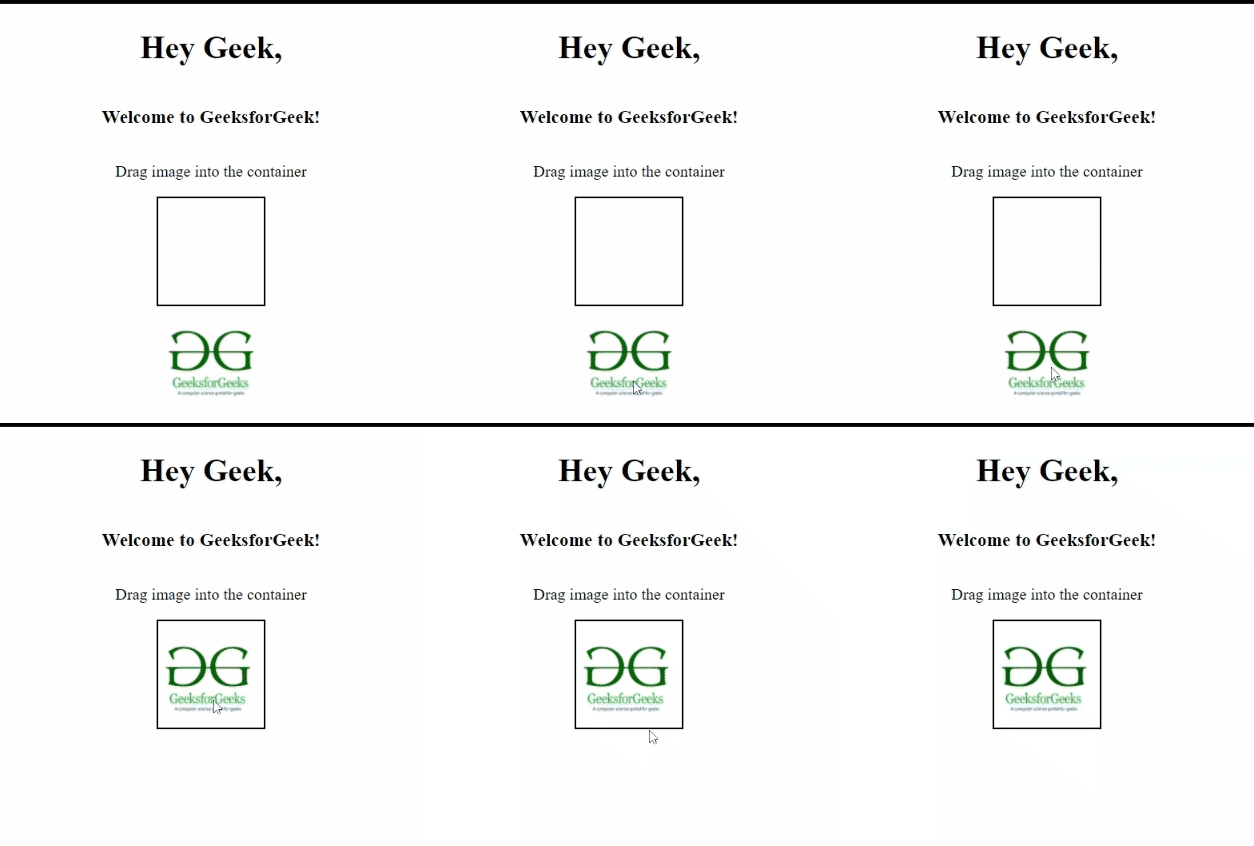
HTML拖放API: 拖放是现在很常见的功能,你可以将一个项目从一个位置拖动到另一个位置。
语法: 要使用拖放功能,首先需要将元素设置为可拖动,如下所示:
<div draggable="true">
    //content of the element
</div>
示例:
HTML
<!DOCTYPE html>
<html>

<head>
    <meta charset="UTF-8">
    <meta http-equiv="X-UA-Compatible" content="IE=edge">
    <meta name="viewport" content=
        "width=device-width, initial-scale=1.0">
    <title>HTML Geolocation API</title>

    <style>
        #container {
            display: flex;
            flex-direction: column;
            justify-content: center;
            align-items: center;
        }

        #drop {
            height: 105px;
            width: 105px;
            border: 2px solid black;
        }
    </style>
</head>

<body>
    <div id="container">
        <h1>Hey Geek,</h1>
        <h3>Welcome to GeeksforGeeks!</h3>


<p>Drag image into the container</p>


        <div id="drop" ondrop="dropItem(event)"
            ondragover="droppable(event)"></div>

        <img src=
"https://media.geeksforgeeks.org/wp-content/uploads/20220428080551/gfglogo-200x200.png"
            alt="GeeksforGeeks" id="image"
            draggable="true" ondragstart="dragItem(event)"
            height="100px" width="100px">
    </div>

    <script>
        function droppable(e) {
            e.preventDefault();
        }

        function dragItem(e) {
            e.dataTransfer.setData("text", e.target.id);
        }

        function dropItem(e) {
            e.preventDefault();
            var content = e.dataTransfer.getData("text");
            e.target.appendChild(document.getElementById(content));
        }
    </script>
</body>

</html>
输出:
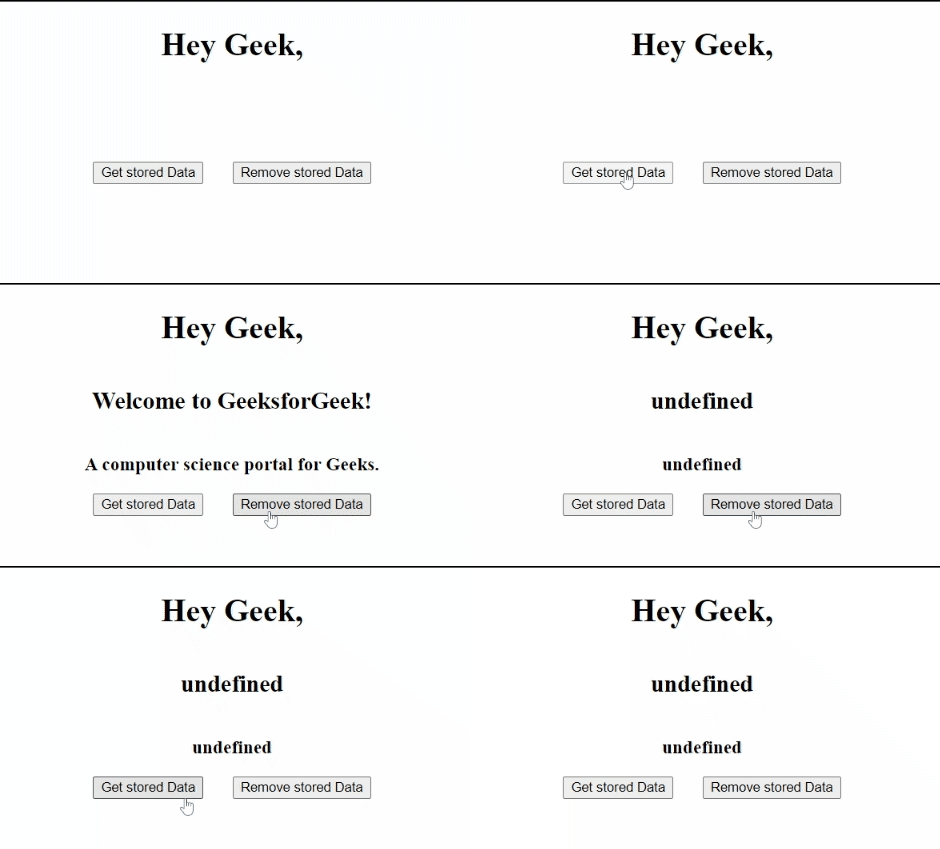
HTML Web Storage API: HTML Web Storage API 用于在Web浏览器上存储数据。之前,数据以Cookie的形式存储,Cookie只能存储少量数据,并且无法传输到服务器。但是, HTML5 引入了 Web StorageAPI ,可以存储比Cookie更大量的数据,而且可以传输到服务器。使用这个API存储数据比使用Cookie更加 安全 。
Web Storage API提供了两个对象供我们使用:
- window.sessionStorage: 这个对象在Web浏览器上临时存储数据,如果浏览器刷新或关闭,存储的数据将会丢失。
- window.localStorage: localStorage永久地在浏览器上存储数据,没有过期时间,即使浏览器刷新,数据也不会丢失。
示例:
HTML
<!DOCTYPE html>
<html>

<head>
    <meta charset="UTF-8">
    <meta http-equiv="X-UA-Compatible" content="IE=edge">
    <meta name="viewport" content=
        "width=device-width, initial-scale=1.0">
    <title>HTML Web Storage API</title>

    <style>
        #container {
            display: flex;
            flex-direction: column;
            justify-content: center;
            align-items: center;
        }

        #btnDiv {
            width: 20vw;
            display: flex;
            flex-direction: row;
            align-items: center;
            justify-content: space-around;
        }

        .btn {
            cursor: pointer;
        }
    </style>
</head>

<body>
    <div id="container">
        <h1>Hey Geek,</h1>
        <h2 id="heading"></h2>
        <h3 id="desc"></h3>
        <div id="btnDiv">
            <button class="btn" onclick="getContent()">
                Get stored Data
            </button>

            <button class="btn" onclick="remContent()">
                Remove stored Data
            </button>
        </div>
    </div>

    <script>
        var head = document.getElementById('heading');
        var desc = document.getElementById("desc");
        function getContent() {
            if (typeof (Storage) !== "undefined") {

                // setItem() will set store the passed attribute
                // and value in localStorage
                localStorage.setItem('heading', 'Welcome to GeeksforGeek!');
                localStorage.setItem('description',
                    'A computer science portal for Geeks.');

                // This is the way of accessing the items
                // stored in the storage
                head.innerText = localStorage.heading;
                desc.innerText = localStorage.description;
            }
            else {
                head.innerText =
                    "Your browser does not support web storage API.";
            }
        }

        function remContent() {

            // removeItem() will remove the passed attribute
            // and value from localStorage.
            localStorage.removeItem('heading');
            localStorage.removeItem('description');
            head.innerText = localStorage.heading;
            desc.innerText = localStorage.description;
        }
    </script>
</body>

</html>
输出:
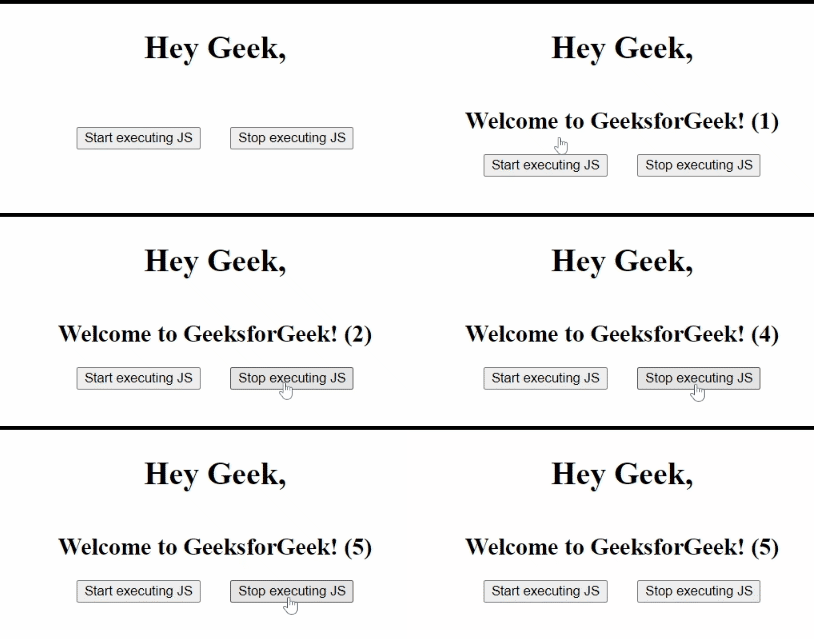
HTML Web Worker API:
通常情况下,当JavaScript正在上传页面时,页面会被卡住直到上传完成。 Web Worker API可以帮助我们在不影响页面性能的情况下上传JavaScript。它能够在后台运行JavaScript,独立于其他脚本。
示例:
HTML
<!DOCTYPE html>
<html>

<head>
    <meta charset="UTF-8">
    <meta http-equiv="X-UA-Compatible" content="IE=edge">
    <meta name="viewport" content=
        "width=device-width, initial-scale=1.0">

    <title>HTML Web Storage API</title>

    <style>
        #container {
            display: flex;
            flex-direction: column;
            justify-content: center;
            align-items: center;
        }

        #btnDiv {
            width: 20vw;
            display: flex;
            flex-direction: row;
            align-items: center;
            justify-content: space-around;
        }

        .btn {
            cursor: pointer;
        }
    </style>
</head>

<body>
    <div id="container">
        <h1>Hey Geek,</h1>
        <h2 id="heading"></h2>
        <div id="btnDiv">
            <button class="btn" onclick="getJS()">
                Start executing JS
            </button>
            <button class="btn" onclick="remJS()">
                Stop executing JS
            </button>
        </div>
    </div>

    <script>
        var myWorker;
        var head = document.getElementById('heading');
        function getJS() {

            // Below condition will checks for
            // the browser support.
            if (typeof (Worker) !== "undefined") {

                // The condition below will checks for
                // existence of the worker
                if (typeof (myWorker) == "undefined") {
                    myWorker = new Worker("myScript.js");
                    // Above line Will create a worker that will
                    // execute the code of myscript.js file
                }

                // onmessage event triggers a function
                // with the data stored in external js file
                myWorker.onmessage = function (props) {
                    head.innerText = props.data;
                }
            }
            else {
                head.innerText =
                    "Your browser does not support web storage API.";
            }
        }

        function remJS() {

            // Terminate() will terminate the current worker
            myWorker.terminate();
            myWorker = undefined;
        }
    </script>
</body>

</html>
输出: