极客教程
极客教程AJAX 解释请求的不同状态
在本文中,我们将学习 AJAX 请求的 readyStates 。
readyState 是一个 XMLHttpRequest 属性。
请求有 五个 不同的状态,如下所示:
- readyState=0
- readyState=1
- readyState=2
- readyState=3
- readyState=4
如何使用readyState?
在使用 readyState 之前,我们需要使用 XMLHttpRequest 向服务器发送请求,并将收到的数据存储在一个变量中。然后,您需要使用 onreadystatechange ,它通常包含一个回调函数,该函数检查当前请求的状态,并在每次看到readyState属性或其属性发生变化时执行。
语法:
var xhttp= new XMLHttpRequest();
xhttp.onreadystatechange = function(){
    // Content of the function
}
让我们详细研究请求的不同readyState状态:
readyState=0: 这是在调用open()方法之前的状态,所以它也是一个UNOPENED状态。发送请求的第一步是初始化请求,使用XMLHttpRequest()发送请求时使用open()方法来完成此操作。但在这个阶段,open()方法没有被调用,所以它不会给我们任何响应数据。
示例: 下面的示例说明了readyState=0的使用方法。
HTML
<!DOCTYPE html>
<html>
<head>
    <meta charset="UTF-8">
    <meta http-equiv="X-UA-Compatible" content="IE=edge">
    <meta name="viewport"
        content="width=device-width, initial-scale=1.0">
    <title>Ready states of a request in ajax.</title>
    <style>
        #container {
            display: flex;
            flex-direction: column;
            justify-content: center;
            align-items: center;
        }
    </style>
</head>
<body>
    <div id="container">
        <h1>Hey Geek,</h1>
        <h3>Welcome to GeeksforGeek!</h3>
        <button type="button" onclick="stateChange()">
            Update Text
        </button>
    </div>
    <script>
        function stateChange() {
            var xhttp = new XMLHttpRequest();
            xhttp.onreadystatechange = function () {
                if (this.readyState == 0) {
                    document.getElementById("container").innerHTML
                        = this.responseText + "Status Text: " +
                          this.statusText;
                }
            };
            xhttp.open("GET", "gfgInfo.txt", true);
            xhttp.send();
        }
    </script>
</body>
</html>
输出结果: 在这里,点击按钮时没有发生任何事情,因为尚未调用open()方法。
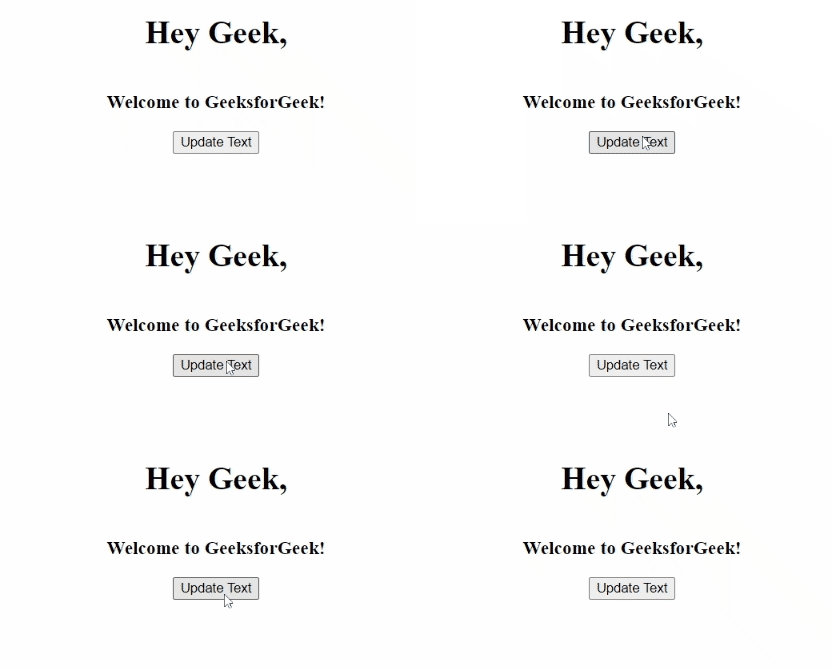
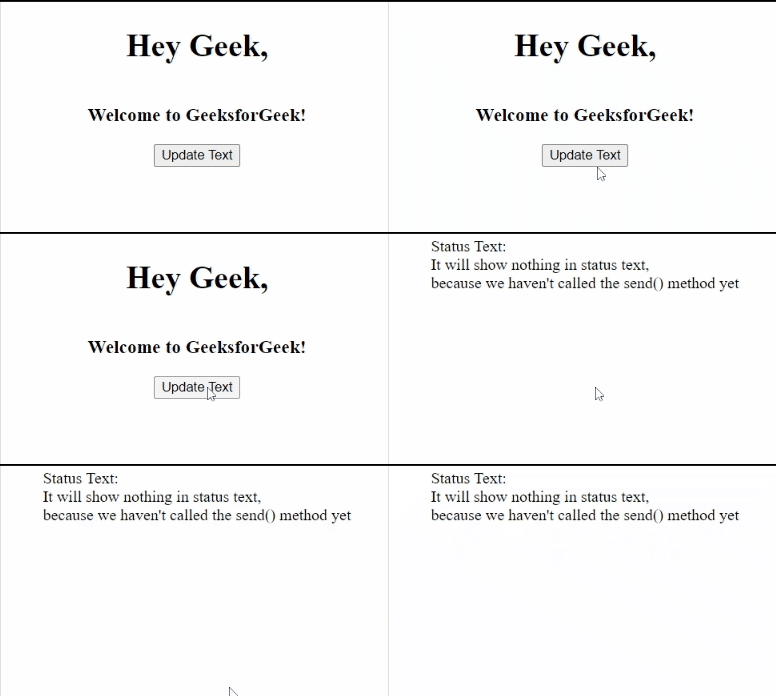
- readyState=1: 在这个状态下, open() 方法被调用,表示请求已初始化,但在调用 open() 方法之后,我们必须调用 send() 方法来处理请求以从服务器获取数据。
示例: 下面的示例演示了使用readyState=1的情况。
HTML
<!DOCTYPE html>
<html>
<head>
    <meta charset="UTF-8">
    <meta http-equiv="X-UA-Compatible" content="IE=edge">
    <meta name="viewport"
        content="width=device-width, initial-scale=1.0">
    <title>Ready states of a request in ajax.</title>
    <style>
        #container {
            display: flex;
            flex-direction: column;
            justify-content: center;
            align-items: center;
        }
    </style>
</head>
<body>
    <div id="container">
        <h1>Hey Geek,</h1>
        <h3>Welcome to GeeksforGeek!</h3>
        <button type="button" onclick="stateChange()">
            Update Text
        </button>
    </div>
    <script>
        function stateChange() {
            var xhttp = new XMLHttpRequest();
            xhttp.onreadystatechange = function () {
                if (this.readyState == 1) {
                    document.getElementById("container").innerHTML =
                        "Status Text: <br>" + this.statusText +
                        "It will show nothing in status text,<br>" +
                        "because we haven't called the send() method yet";
                }
            };
            xhttp.open("GET", "gfgInfo.txt", true);
            xhttp.send();
        }
    </script>
</body>
</html>
输出:
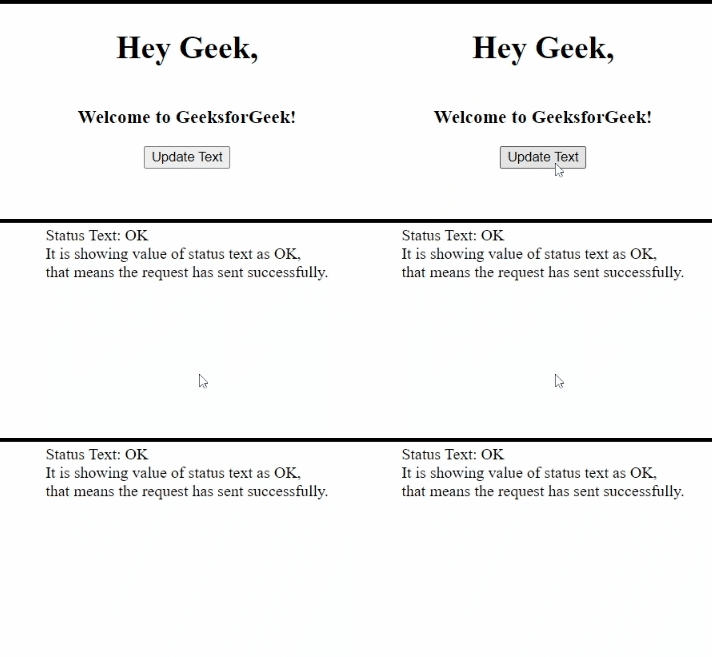
- readyState=2: 在这个状态下,头部信息在调用 send() 方法时会被接收到。您可以访问当前请求的 headers 和 status 。通过获取当前请求的 status ,我们可以确保请求是否已发送到服务器。
示例: 下面的示例说明了如何使用readyState=2。
HTML
<!DOCTYPE html>
<html>
<head>
    <meta charset="UTF-8">
    <meta http-equiv="X-UA-Compatible" content="IE=edge">
    <meta name="viewport"
        content="width=device-width, initial-scale=1.0">
    <title>Ready states of a request in ajax.</title>
    <style>
        #container {
            display: flex;
            flex-direction: column;
            justify-content: center;
            align-items: center;
        }
    </style>
</head>
<body>

    <div id="container">
        <h1>Hey Geek,</h1>
        <h3>Welcome to GeeksforGeek!</h3>
        <button type="button" onclick="stateChange()">
            Update Text
        </button>
    </div>
    <script>
        function stateChange() {
            var xhttp = new XMLHttpRequest();
            xhttp.onreadystatechange = function () {
                if (this.readyState == 2) {
                    document.getElementById("container").innerHTML =
                        "Status Text: " + this.statusText + "<br>" +
                        "It is showing value of status text as OK,<br>" +
                        "that means the request has sent successfully.";
                }
            };
            xhttp.open("GET", "gfgInfo.txt", true);
            xhttp.send();
        }
    </script>
</body>
</html>
输出:
- readyState=3: 这个状态表示请求仍处于 处理中 ,而 responseText中保存着数据 ,这意味着我们可以访问这些数据,但是请求还未完成或完整。但在这个阶段,获取到的数据可能是完整的,也可能是不完整的,因为请求仍在进行中。
示例: 以下示例展示了readyState=3的使用。
HTML
<!DOCTYPE html>
<html>
<head>
    <meta charset="UTF-8">
    <meta http-equiv="X-UA-Compatible" content="IE=edge">
    <meta name="viewport"
        content="width=device-width, initial-scale=1.0">
    <title>Ready states of a request in ajax.</title>
    <style>
        #container {
            display: flex;
            flex-direction: column;
            justify-content: center;
            align-items: center;
        }
    </style>
</head>
<body>
    <div id="container">
        <h1>Hey Geek,</h1>
        <h3>Welcome to GeeksforGeek!</h3>
        <button type="button" onclick="stateChange()">
            Update Text
        </button>
    </div>
    <script>
        function stateChange() {
            var xhttp = new XMLHttpRequest();
            xhttp.onreadystatechange = function () {
                if (this.readyState == 3) {
                    document.getElementById("container").innerHTML =
                        this.responseText + "Status Text: " +
                          this.statusText;
                }
            };
            xhttp.open("GET", "gfgInfo.txt", true);
            xhttp.send();
        }
    </script>
</body>
</html>
输出:
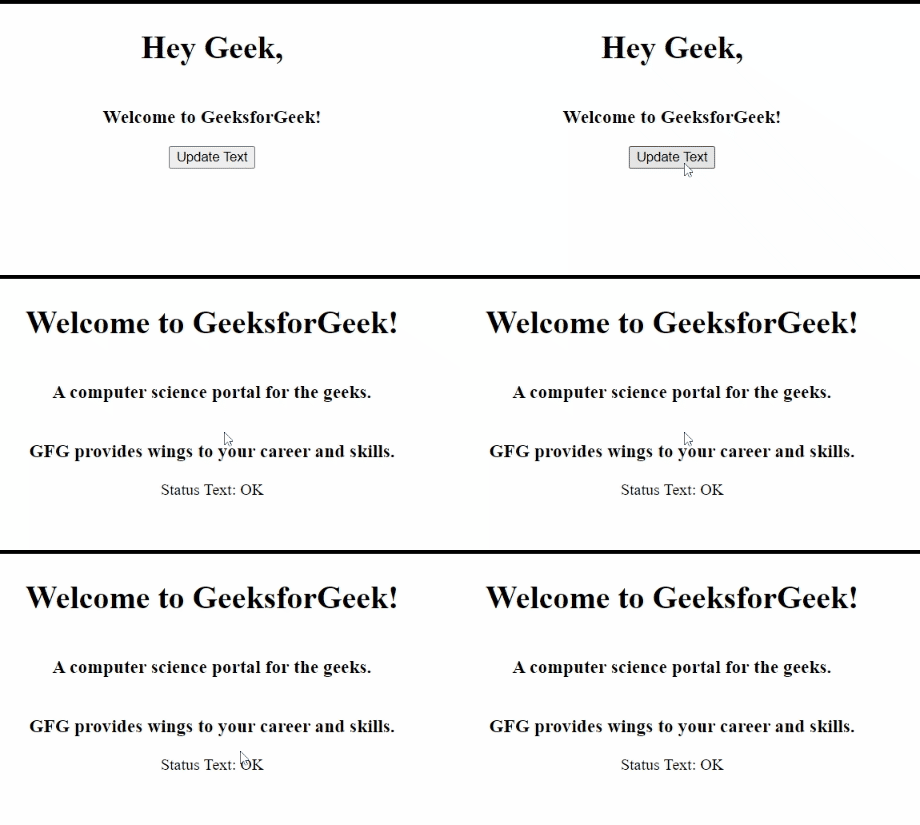
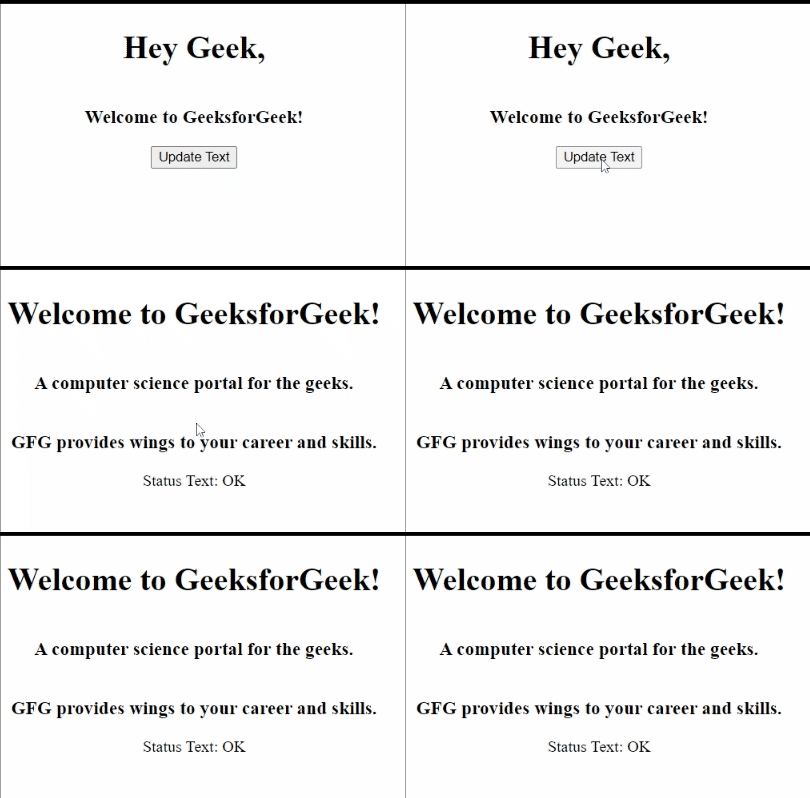
- readyState=4: 这个状态表示请求的 完成 。在这个状态下,请求不再处于进行中的状态,而是已经完成并成功加载了数据。我们可以访问我们请求的完整数据,并进一步使用它来执行其他操作或在屏幕上进行一些更改。
示例: 下面的示例演示了readyState=4的使用方法。
HTML
<!DOCTYPE html>
<html>
<head>
    <meta charset="UTF-8">
    <meta http-equiv="X-UA-Compatible" content="IE=edge">
    <meta name="viewport"
        content="width=device-width, initial-scale=1.0">
    <title>Ready states of a request in ajax.</title>
    <style>
        #container {
            display: flex;
            flex-direction: column;
            justify-content: center;
            align-items: center;
        }
    </style>
</head>
<body>
    <div id="container">
        <h1>Hey Geek,</h1>
        <h3>Welcome to GeeksforGeek!</h3>
        <button type="button" onclick="stateChange()">
            Update Text
        </button>
    </div>
    <script>
        function stateChange() {
            var xhttp = new XMLHttpRequest();
            xhttp.onreadystatechange = function () {
                if (this.readyState == 4) {
                    document.getElementById("container").innerHTML =
                        this.responseText + "Status Text: " +
                        this.statusText;
                }
            };
            xhttp.open("GET", "gfgInfo.txt", true);
            xhttp.send();
        }
    </script>
</body>
</html>
输出: