极客教程
极客教程JavaScript 如何将CSS规则添加到样式表中
在这个示例中,我们将学习如何使用JavaScript将CSS规则添加到样式表元素中。首先,我们将创建一个HTML文档,然后使用JavaScript添加一些CSS规则。
语法:
let styleText = document.getElementById('GFG').sheet;

let st = `.box {
    width: 100px;
    height: 100px;
}`;

styleText.insertRule(st, 0);
方法: 首先,我们使用任何查询选择器选择样式表元素,然后将CSS样式分配给一个变量。之后,使用insertRule()属性使用JavaScript将CSS规则添加到样式表中。
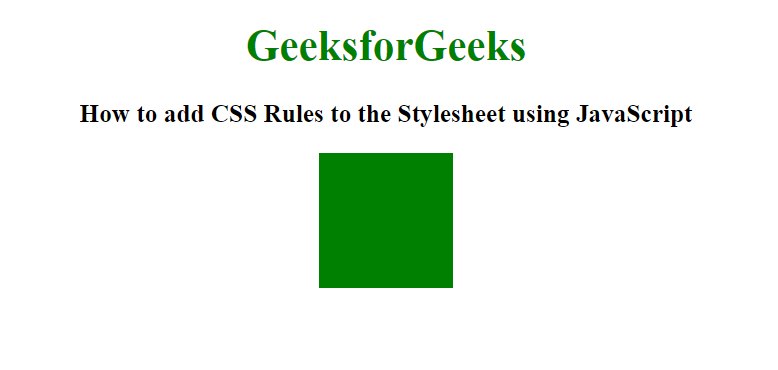
示例1: 在这个示例中,我们将把CSS规则添加到div元素的样式表中。
HTML
<!DOCTYPE html>
<html lang="en">
<head>
    <title>
        How to add CSS Rules to the
        Stylesheet using JavaScript?
    </title>
    <style type="text/css" id="GFG">
        body {
            text-align: center;
        }

        h1 {
            color: green;
        }
    </style>
</head>
<body>
    <h1>GeeksforGeeks</h1>
    <h3>
        How to add CSS Rules to the
        Stylesheet using JavaScript
    </h3>
    <div class="box"></div>
    <script>
        let styleText = document.getElementById('GFG').sheet;
        let stl = `.box {
            width: 100px;
            height: 100px;
            background-color: green;
            display: block;
            margin-left: auto;
            margin-right: auto;
        }`;

        styleText.insertRule(stl, 0);
    </script>
</body>
</html>
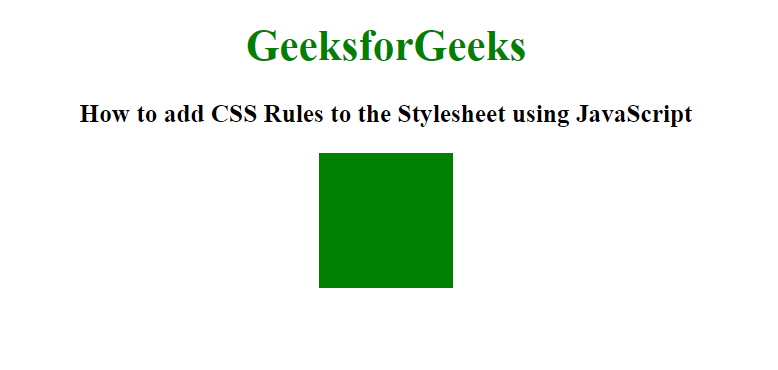
输出:
示例2: 在这个示例中,我们将把CSS规则添加到div元素的样式表中。在这里,我们将所有的CSS样式合并为一个字符串,并将其应用于div元素。
HTML
<!DOCTYPE html>
<html lang="en">
<head>
    <title>
        How to add CSS Rules to the
        Stylesheet using JavaScript?
    </title>
    <style type="text/css" id="GFG">
        body {
            text-align: center;
        }

        h1 {
            color: green;
        }
    </style>
</head>
<body>
    <h1>GeeksforGeeks</h1>
    <h3>
        How to add CSS Rules to the
        Stylesheet using JavaScript?
    </h3>
    <div class="box"></div>
    <script>
        let styleText = document.getElementById('GFG').sheet
        let stl = '.box {';
        stl += 'width: 100px;';
        stl += 'height: 100px;';
        stl += 'background-color: green;';
        stl += 'display: block;';
        stl += 'margin-left: auto;';
        stl += 'margin-right: auto;';
        stl += 'animation: GFG 5s infinite linear;';
        stl += '}';
        styleText.insertRule(stl, 0);
    </script>
</body>
</html>
输出: