极客教程
极客教程如何在Mplot3d中缩放坐标轴?
要在mplot3d中缩放坐标轴,可以执行以下步骤−
- 使用 figure() 方法创建一个figure或激活现有的figure。
-
使用 Axes3D() 类实例化3D axes实例。
-
要缩放X轴,使用 set_xlim3d() 方法。
-
要缩放Y轴,使用 set_ylim3d() 方法。
-
要缩放Z轴,使用 set_zlim3d() 方法。
-
要显示plot,使用 show() 方法。
阅读更多:Python 教程
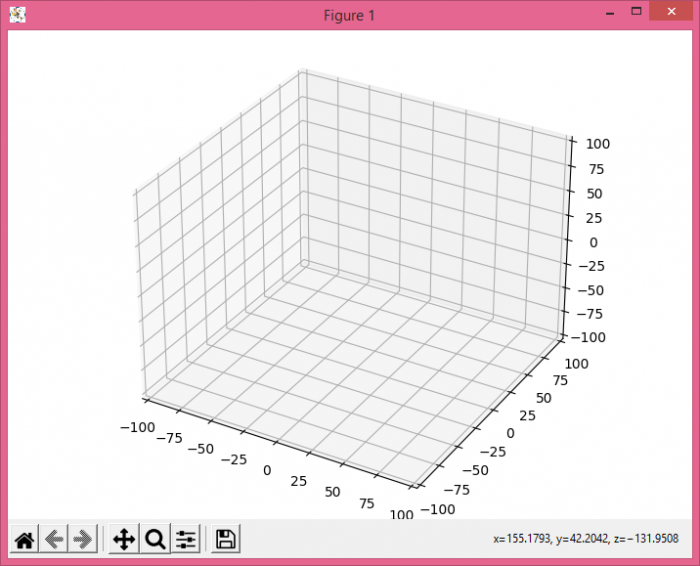
示例
from mpl_toolkits.mplot3d import Axes3D
from matplotlib import pyplot as plt
plt.rcParams["figure.figsize"] = [7.00, 3.50]
plt.rcParams["figure.autolayout"] = True
fig = plt.figure()
ax = Axes3D(fig)
ax.set_xlim3d(-100, 100)
ax.set_ylim3d(-100, 100)
ax.set_zlim3d(-100, 100)
plt.show()
输出